Be the first to hear about new features
Subscribe To Our Newsletter
See new features, creative shortcuts, and exclusive tips from Flim.
It’s everything you wish social media gave you minus the doomscrolling.
The static mood board is over. Search for movement, rhythm, and pacing to build treatments that actually move.
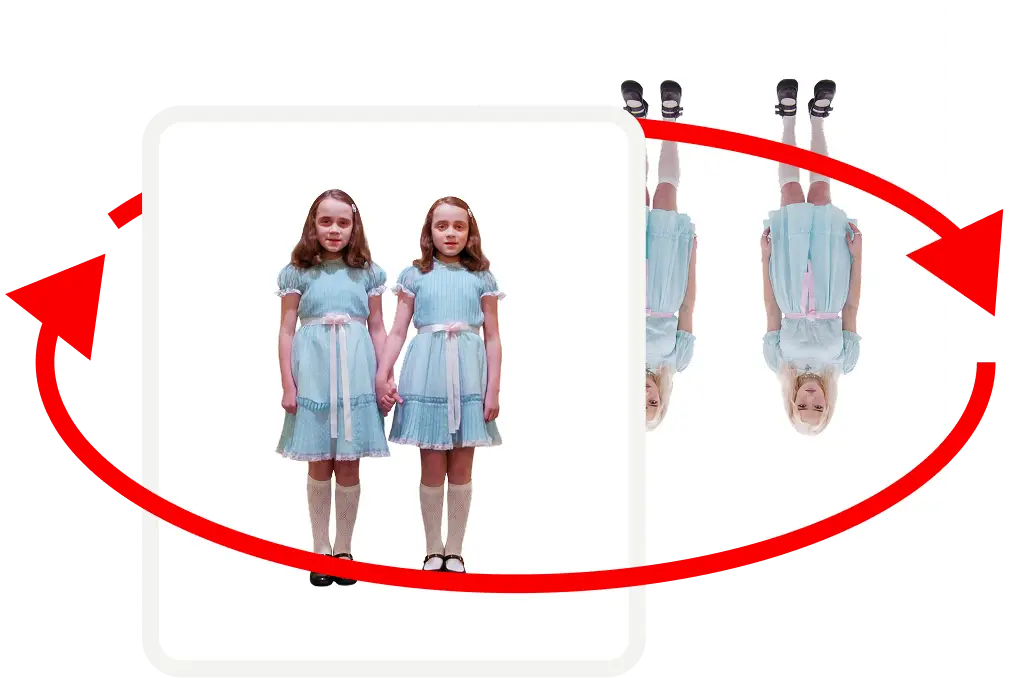
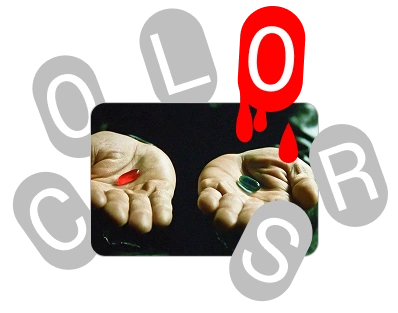
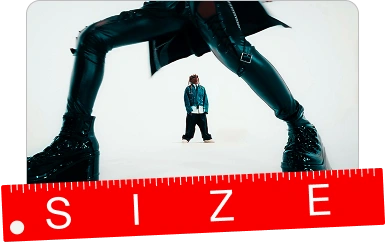

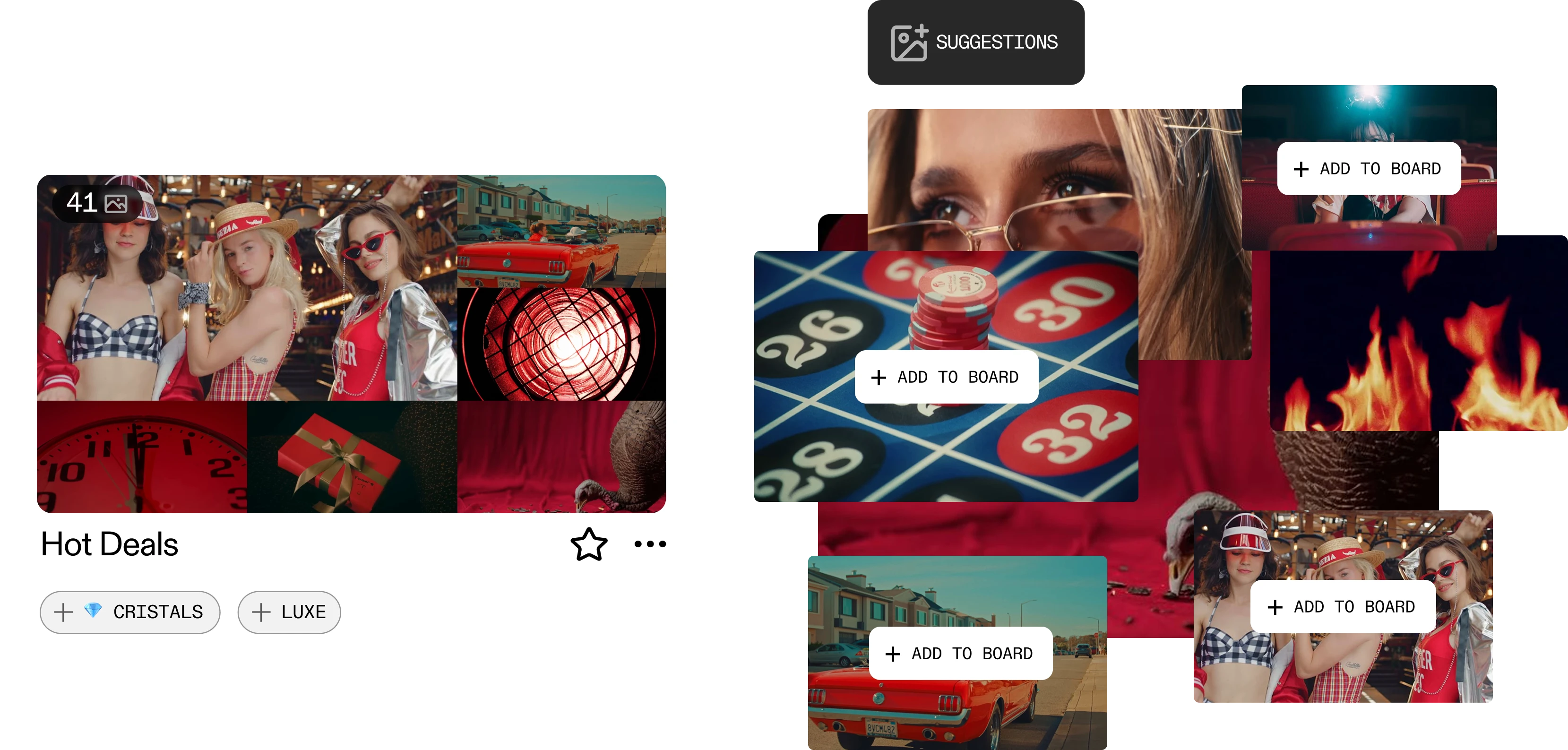
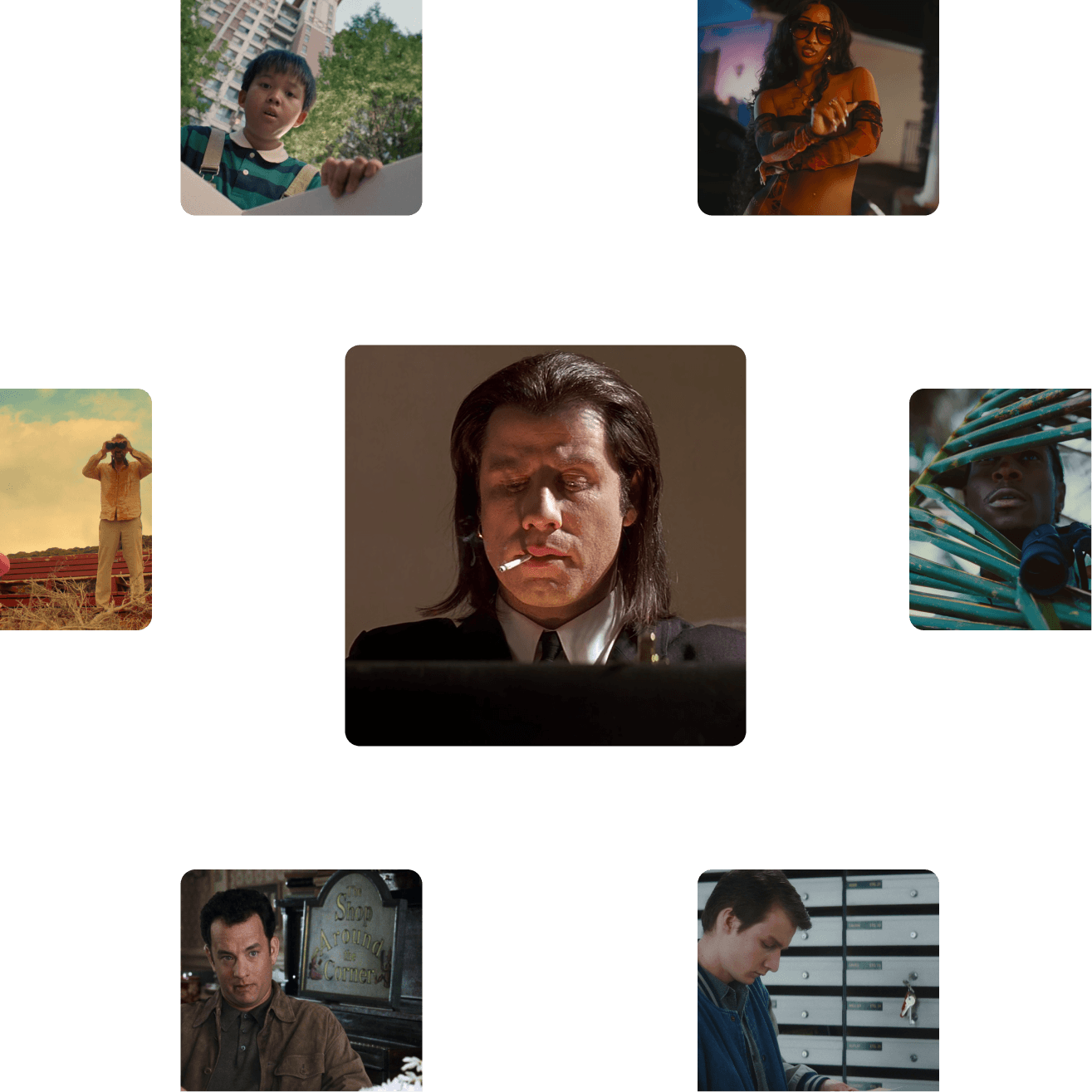

Flim combines a curated library of 2M+ stills and video cuts from film, TV, ads and music videos with AI generation tools. Search by mood, concept or image, save references to Boards, edit and generate new visuals from your research, all in one workspace.
Click Join, fill in the registration form (or sign in with Google), then click Join Now. Confirm your account via the link Flim emails you.
ShotDeck's search relies on metadata: title, year, director, genre, technical shot information. It's built for film technicians who already know what they're looking for. Flim uses an AI semantic search engine trained on visual meaning: you describe what you're looking for ('blue hour, distant figure, 70s film stock') and the engine surfaces frames that match the feeling, not just the facts. Flim also has its own tags and filters for narrowing by shot type, colour, or format once a search returns results. For a creative brief that starts from a mood or an aesthetic rather than a title, this combination makes a significant difference.
Yes. Flim is built as an all-in-one creative assistant. Beyond search, it offers collaborative moodboards, Magic Board (generate a full board from a pitch or story description), Aesthetics (lock a custom or predefined visual style), and a cinematic generation studio that generates within that style (Nano Banana for images, Veo and Seedance for video). ShotDeck is limited to reference search and basic board building. Flim covers the full creative workflow.
Yes. Drag and drop an image or paste a web URL into the Search Bar, and Flim finds visually related shots by composition, grading, or lighting.
Stills are static frames, while Video Cuts are short video extracts currently available for music videos and commercials only, not feature films. Both can be saved to Boards or used as references in the AI Dock.