Flim is now in Canva: research without switching tools
Flim is now integrated into Canva, so you can move from visual research to design without breaking your creative flow. If you’re on Basic or Pro Plan, you can browse Flim’s full library of curated stills and videos directly inside Canva and use them instantly in presentations, moodboards, and creative layouts. Here is exactly how it works:
1. Log in to Flim inside Canva
Follow these quick steps:
1 / Open your Canva workspace
2 / Head to the Apps sidebar, and search for Flim
3 / Click Connect and log in to your Flim account
You're all set!

2. Browse the Flim library
Looking for that one perfect cinematic shot? You can now browse Flim’s curated library of stills and videos right from the Canva side panel.
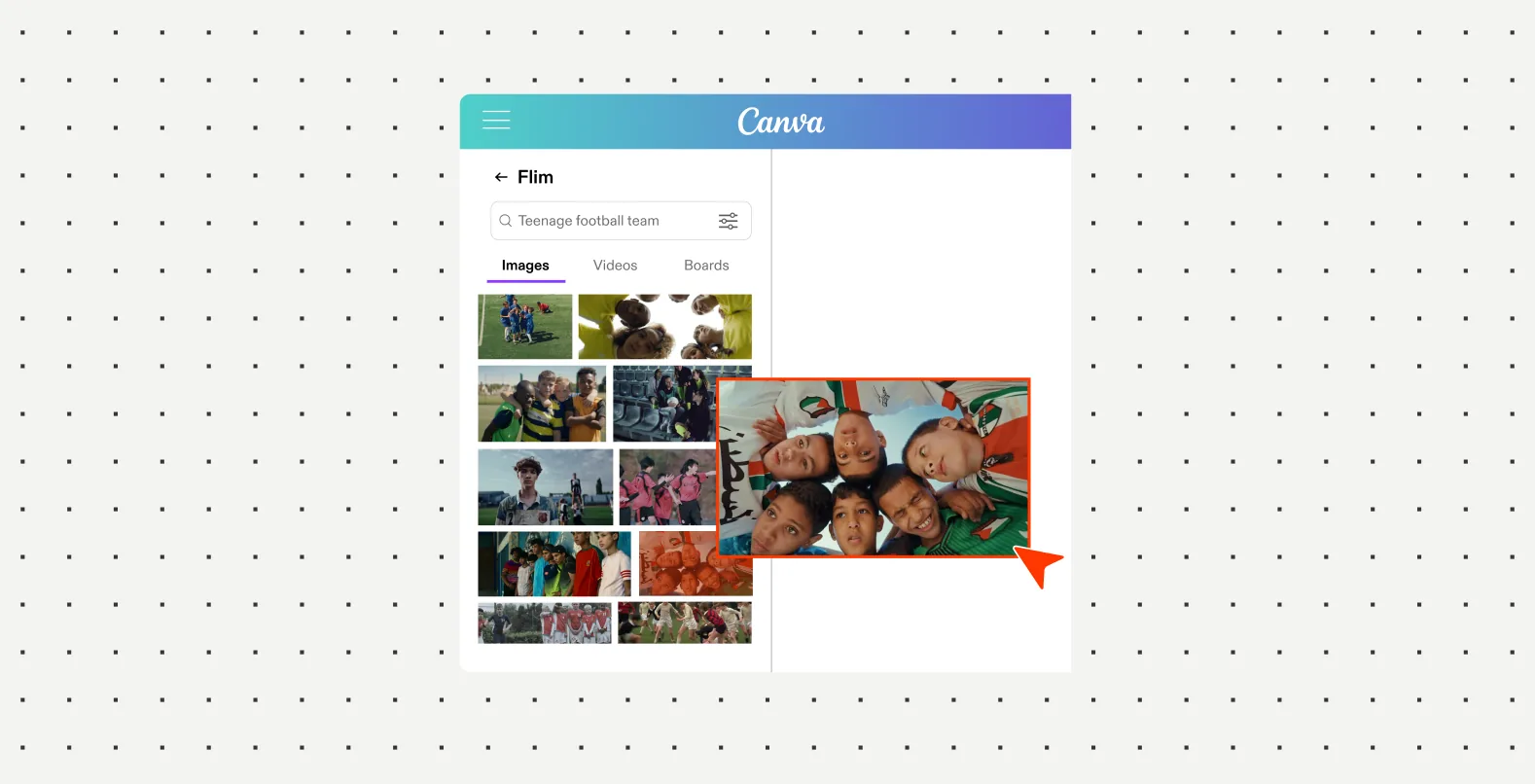
3. Import your Flim Boards in a single click
If you’ve already done your research and built the perfect Boards on Flim, you can instantly import them into your Canva layouts.
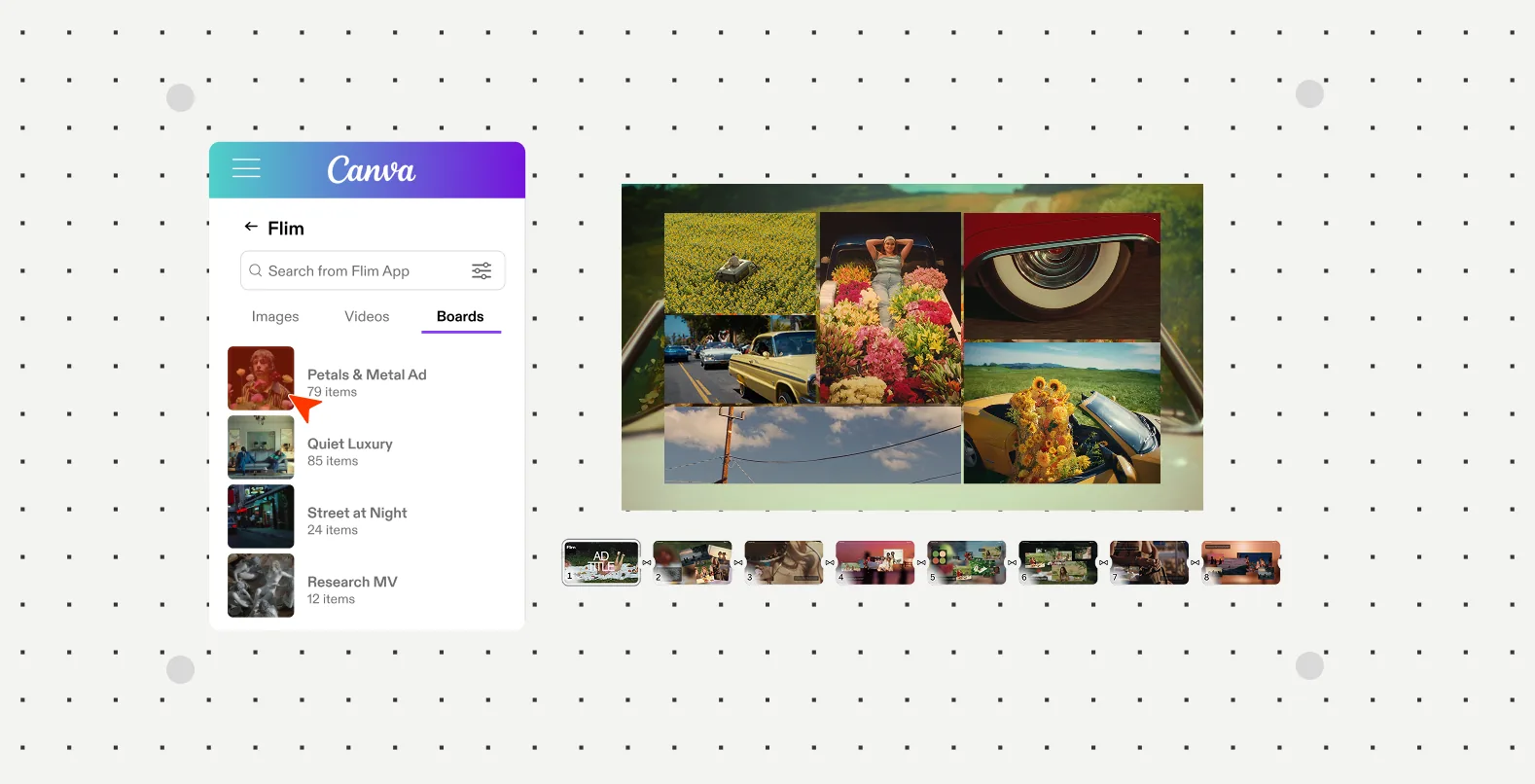
4. Jumpstart your layout with ready-to-use Templates
Don’t start from a blank page. We’ve included custom, ready-to-use treatment templates built specifically for industry formats. Whether you are pitching an ad campaign, a music video, or a short film, just drop your Flim references straight into our layouts and you're good to go.


Got
Questions?

Yes, if you're on Basic or Pro. Connect through the Apps sidebar in Canva, then browse the library, import your Boards, and drop references into ready-made treatment templates.
Open your Canva workspace, go to the Apps sidebar, search for Flim, then click Connect and log in with your Flim account.
The Flim app in Canva is available to users on the Basic or Pro plan.
Yes. Boards you have already built on Flim can be imported into your Canva layouts in a single click.
Yes. Flim includes custom treatment templates built for formats like ad campaigns, music videos and short films, ready to fill with your references.