Boards are evolving: tag and edit your collections
A moodboard is only as useful as it is organised. This update to Flim's Boards focuses entirely on that: tagging to sort growing collections, and simpler editing to rearrange, add, or remove images without starting a new board. Small changes, but they make Boards easier to fold into a daily creative workflow rather than a one-off export.
Boards just got easier to manage! We've improved Boards to make them even more intuitive and flexible.
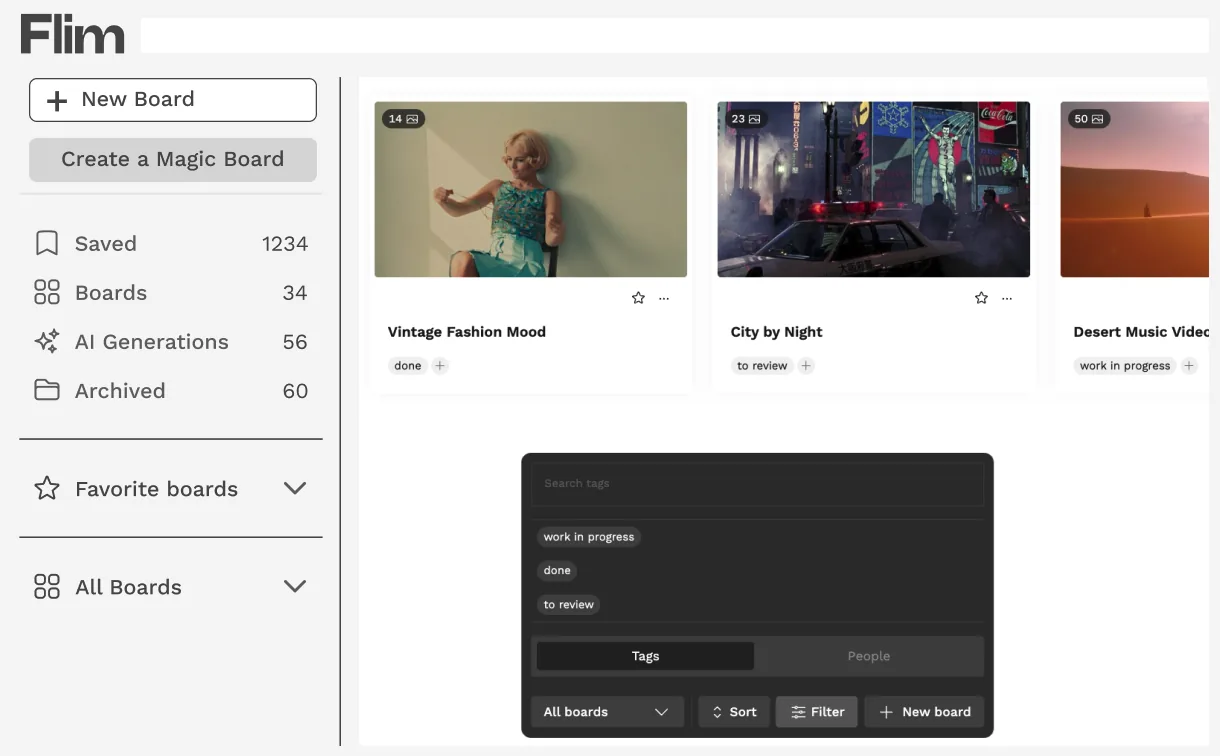
You can now tag your Boards, making it easier to sort and organize your collections. Plus, you're free to rearrange images inside a Board, add new ones, or remove any that no longer fit.
These updates were designed with your workflow in mind - so you can truly make each Board your own, and integrate them more naturally into your creative process.
TAG
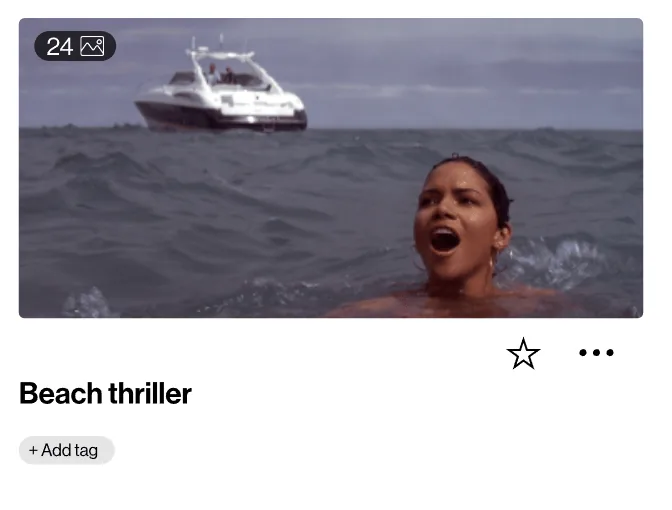
On the Boards page, you'll see all your collections. Click on the relevant Board and enter the tag you want to assign to it.
EDIT
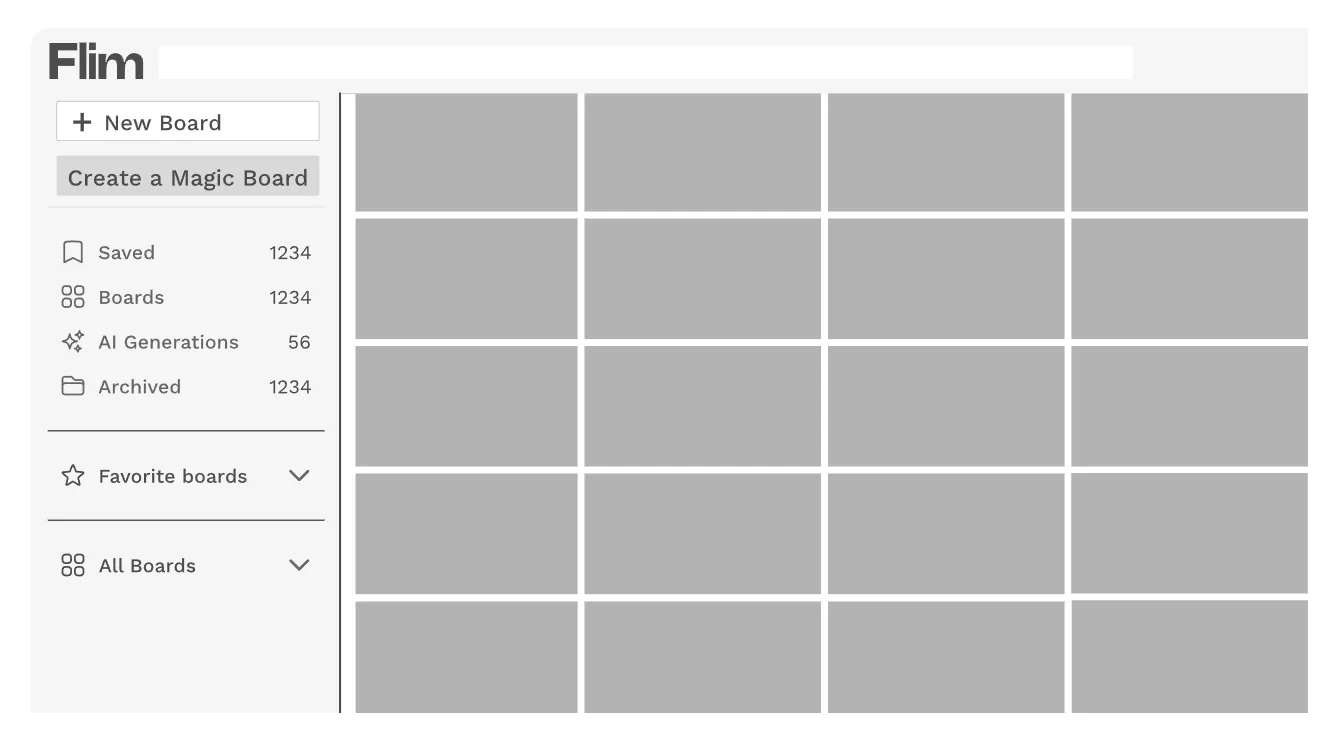
You can edit your Boards by rearranging the visuals however you like - move, remove, or add images as needed, until you reach the final result you're happy with.

Got
Questions?

Yes. From the Boards page, you can assign a tag to any Board and use it to sort and organise your collections.
Yes. You can rearrange, add or remove images inside a Board at any time until you reach the result you want.
Open the Boards page, where you can filter and sort all your collections by the tags you have assigned, as well as by user.
No. Tagging and editing are workflow improvements to how you organise Boards; they do not change sharing or visibility settings.