Build an Aesthetic: how to pick the right images
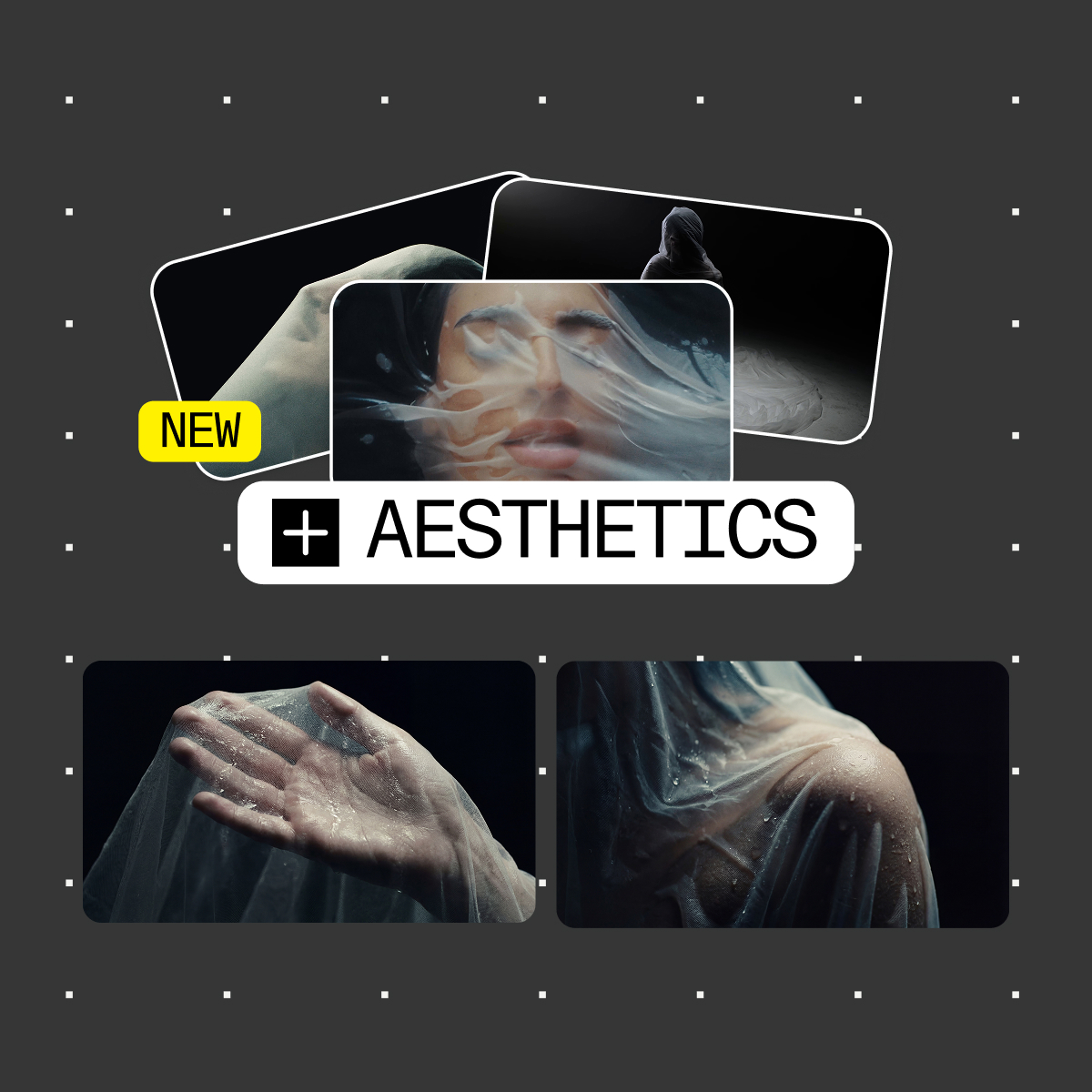
An Aesthetic is only as good as the images behind it. Aesthetics extracts a visual signature from 4 to 10 references and reapplies it to everything you generate after, so the selection is the whole job. Here is how to get it right.
From board to Aesthetic in three steps
Step 1 - Build the board. Collect stills in a Board until the set reads as one art direction.
Step 2 - Create the Aesthetic from the AI Dock. Select the 4 to 10 most consistent images and save the selection as a preset.
Step 3 - Use it. Prompt with the Aesthetic applied, or drop an existing visual into the AI Dock as a reference image to bring it into the look.
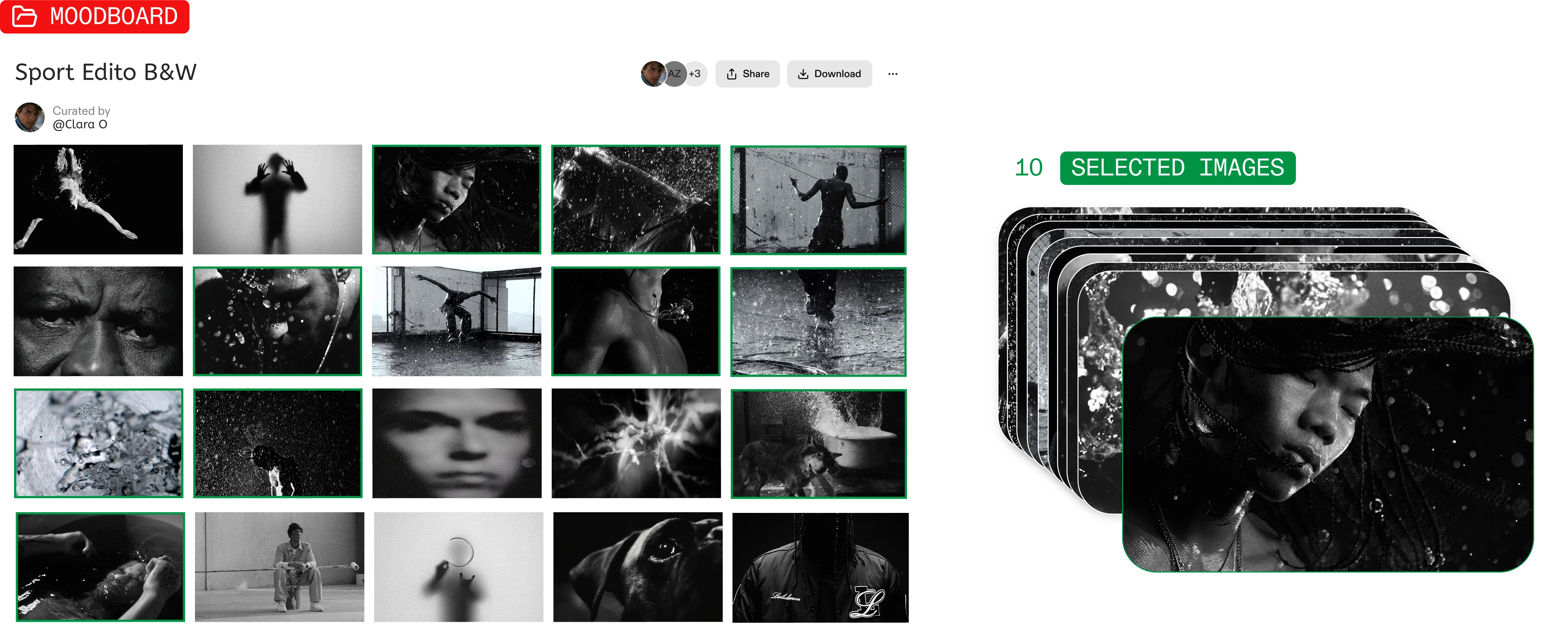
What to look for in an image
Pick images for how they look, not what they show. An Aesthetic captures visual treatment, so check that these three layers match across your selection:
- Style & rendering: medium, artistic direction and rendering techniques.
- Color & light: palette, contrast, exposure, lighting behavior and shadows.
- Optics & atmosphere: lens characteristics, texture, depth of field, grain and overall mood.
If those hold across the set, the subjects can be unrelated and the Aesthetic still works. A portrait, a car interior and a wide landscape belong together as long as they share a treatment.
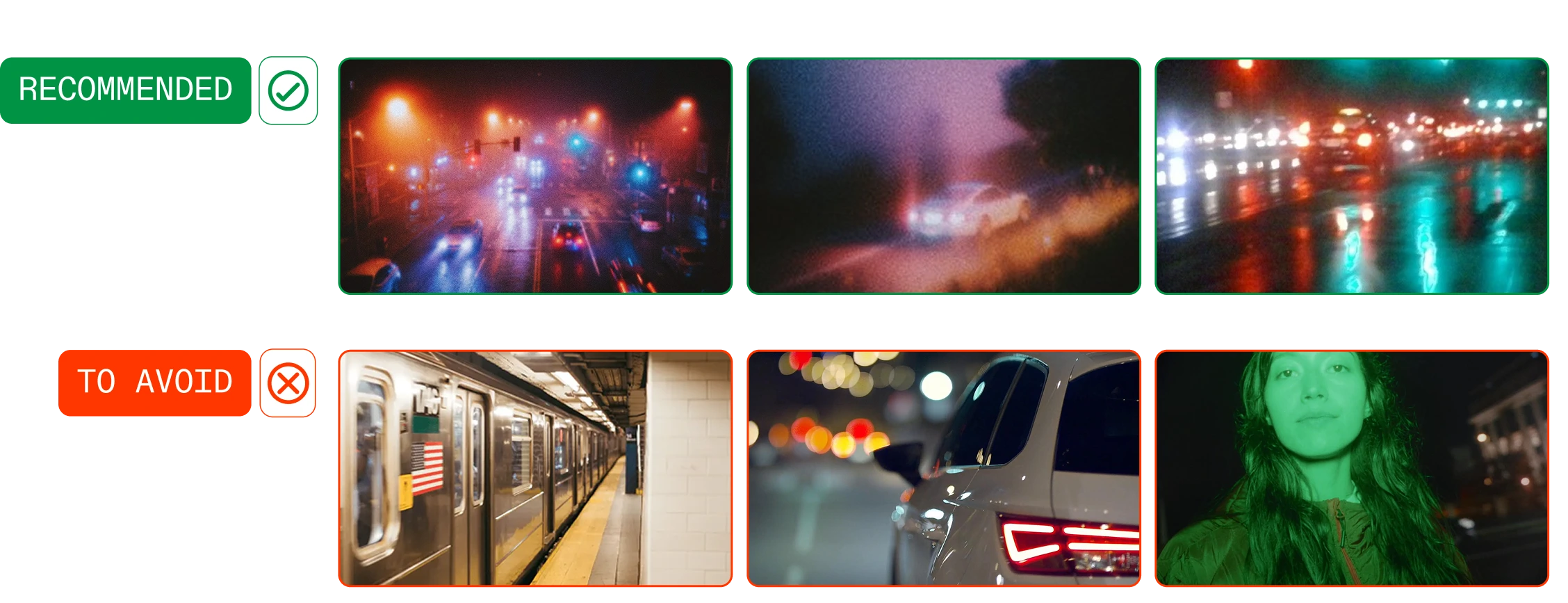
What breaks a selection
Don't build the board like a shot list. A character, a location, a prop, a costume: those images share subject matter and nothing else, usually across four different visual languages.
Don't ask the Aesthetic to carry the scene. The Aesthetic holds the treatment. Character, setting and composition belong in your prompt and reference images.
Don't keep an intruder. Before saving, scan the selection fast. If one image pulls away from the rest, leave it out. Six coherent images beat ten with two intruders.
Start building your first Aesthetic now, or upgrade to Pro to unlock it.

Got
Questions?

Between 4 and 10. Consistency beats volume: four images sharing one grade and one light define a direction better than ten that only share a subject.
The selection probably mixed visual directions, or was picked on content instead of treatment. Rebuild it around color, light and texture, then run the same prompt again.
No. Only generating with it does, at an amount set by the model you choose.
A reference image carries its content into the result. An Aesthetic carries only the treatment. They work together.