Generate & Edit: Flim's new AI Dock for images
Flim's research tools and its generative ones used to live in separate corners of the product. The AI Dock closes that gap: prompt an image from scratch, edit any still you find on Flim or upload yourself, generate variations, or combine elements from several references, all powered by Nano Banana through a partnership with Google. Here is what the Dock can do and how each mode fits into a moodboard or treatment workflow.
Flim is all about finding the perfect reference. Now, we're taking the next step: giving you the power to create the images you need - faster, easier, and all in one place.
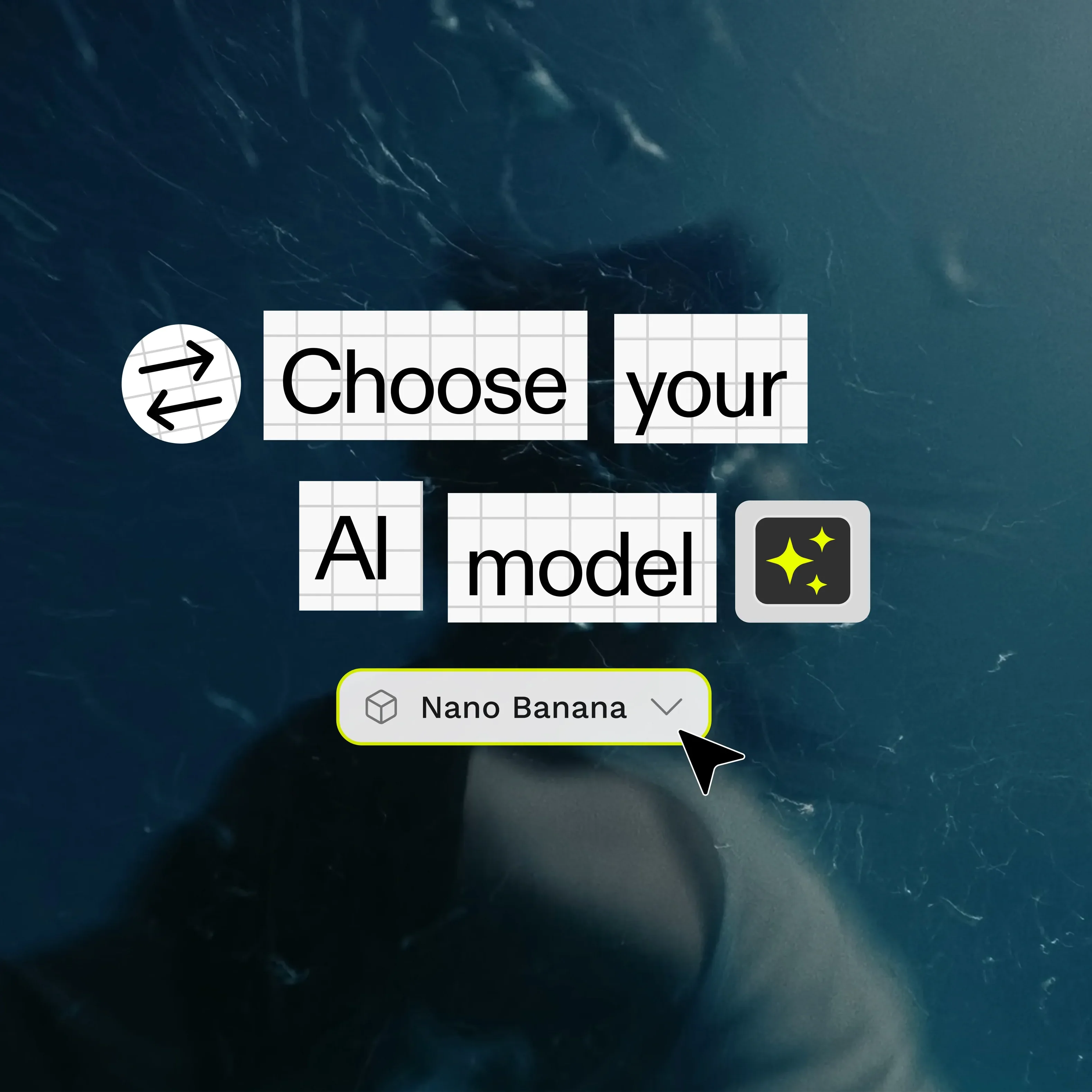
We chose to partner with Google and their Gemini Flash 2.5 model (Nano Banana) to offer the best image editing experience.
A new Dock for creative control
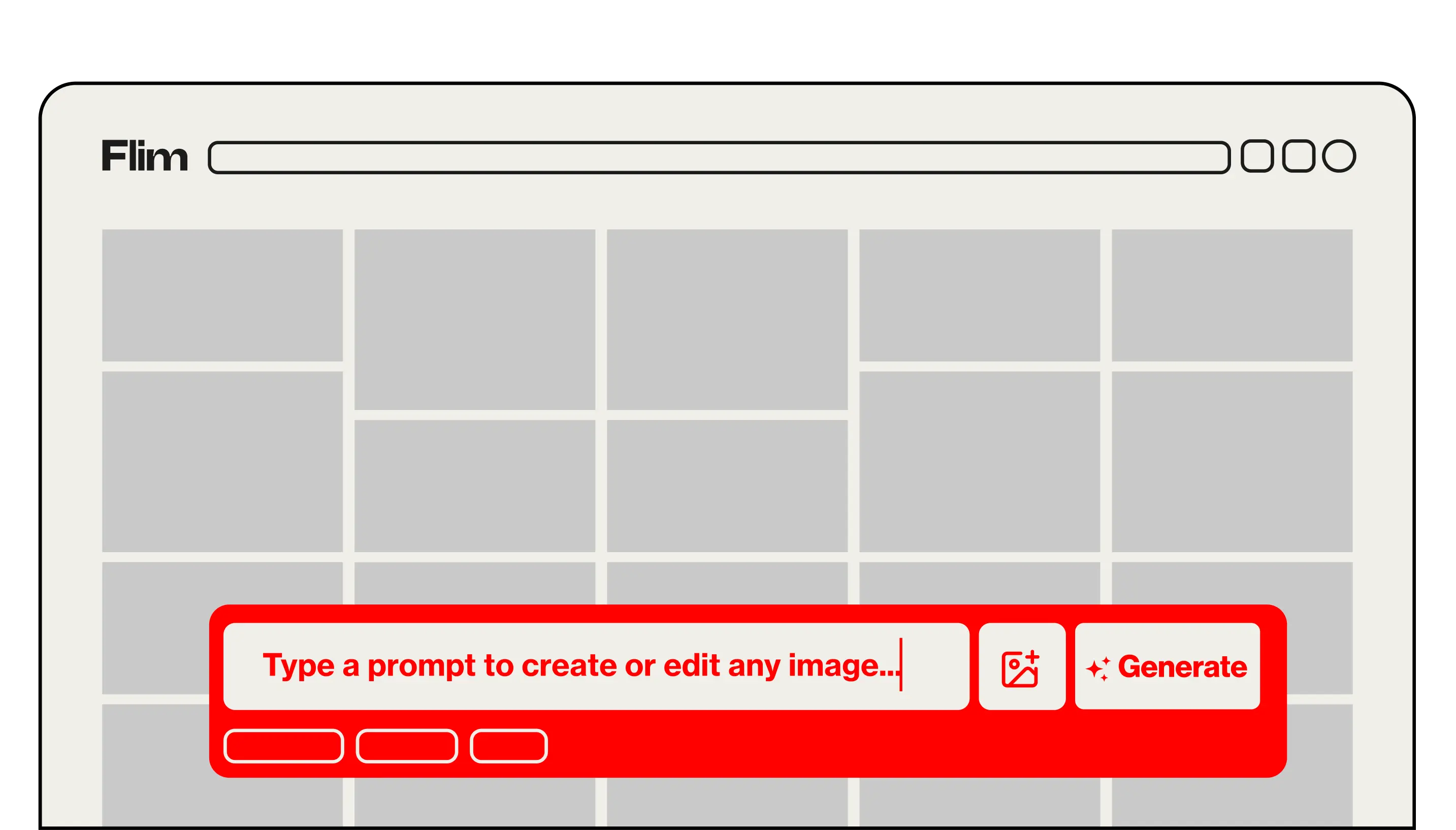
The new Flim AI Dock brings together image editing and image generation in one simple, powerful space, so you can:
- Prompt anything
- Edit any image
- Generate variations
- Combine elements from different images
Prompt anything from scratch
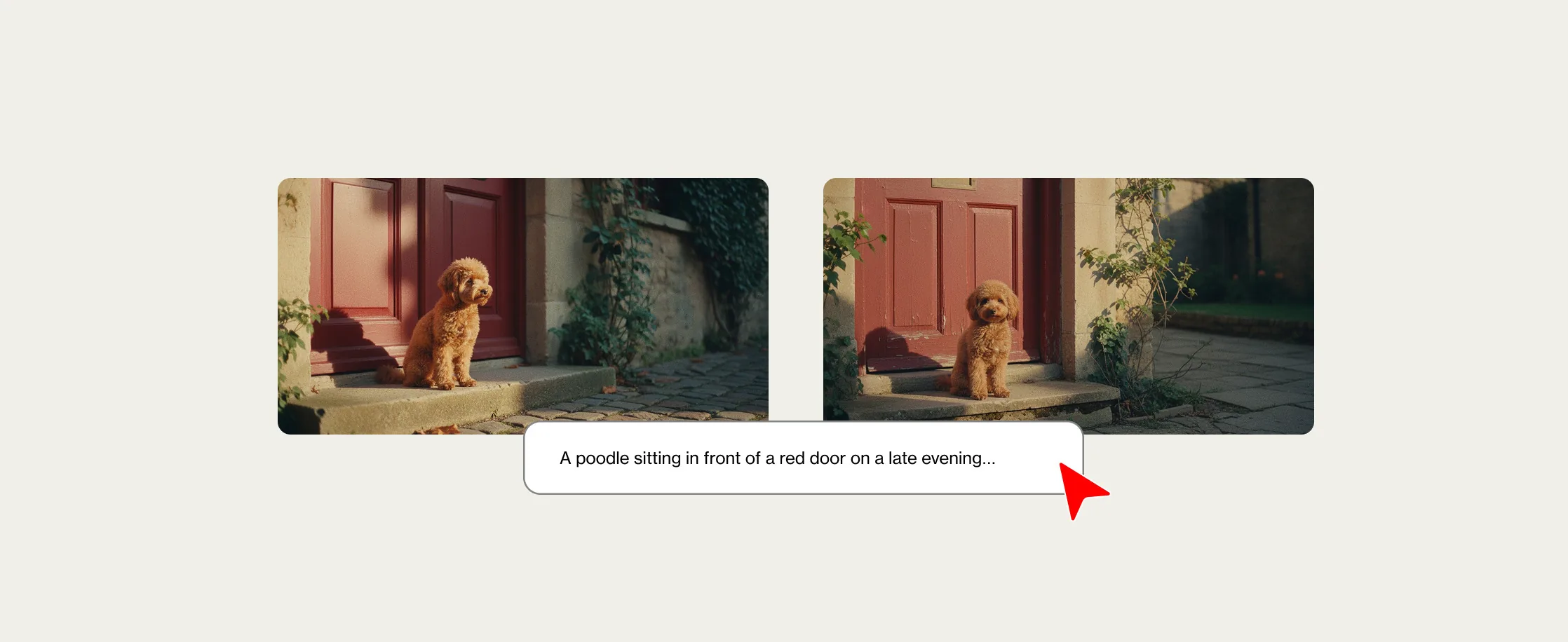
Our tool is designed to produce results with a cinematic look, so they fit directly into your moodboards and treatments. There's no limit to how many words you can enter in your prompt, so don't hesitate to be specific.
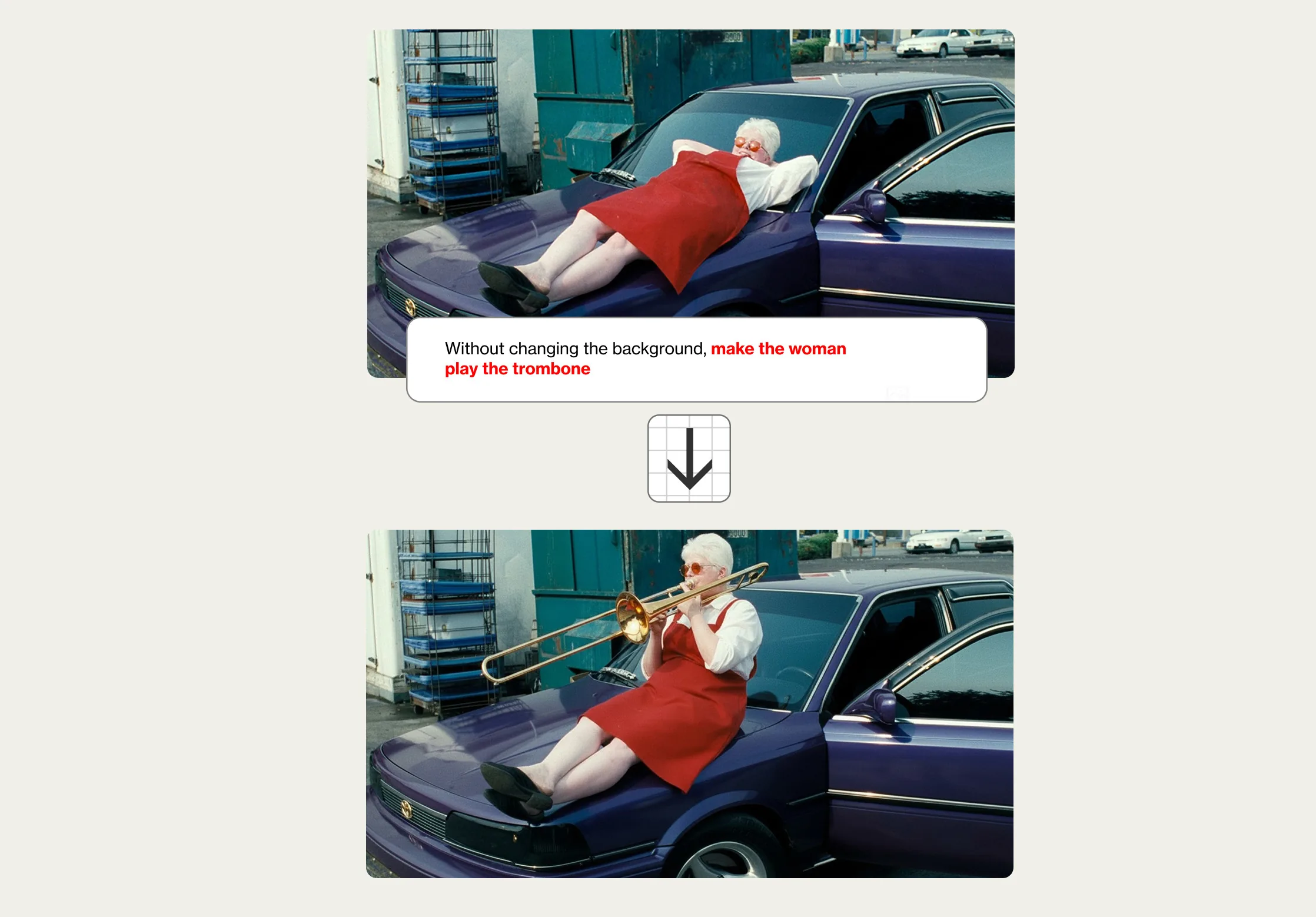
Edit any image
Drag and drop a still you find on Flim or upload your own material. Next, just type in the tweak you’d like to see on the image.
Use our Presets
You can prompt an image from scratch, or use our Presets, carefully designed to speed up your creative process. Flim's Presets are ready-to-use creative shortcuts that cover the most common transformations. In just a few clicks, you can explore new camera angles, compositions or environnements.

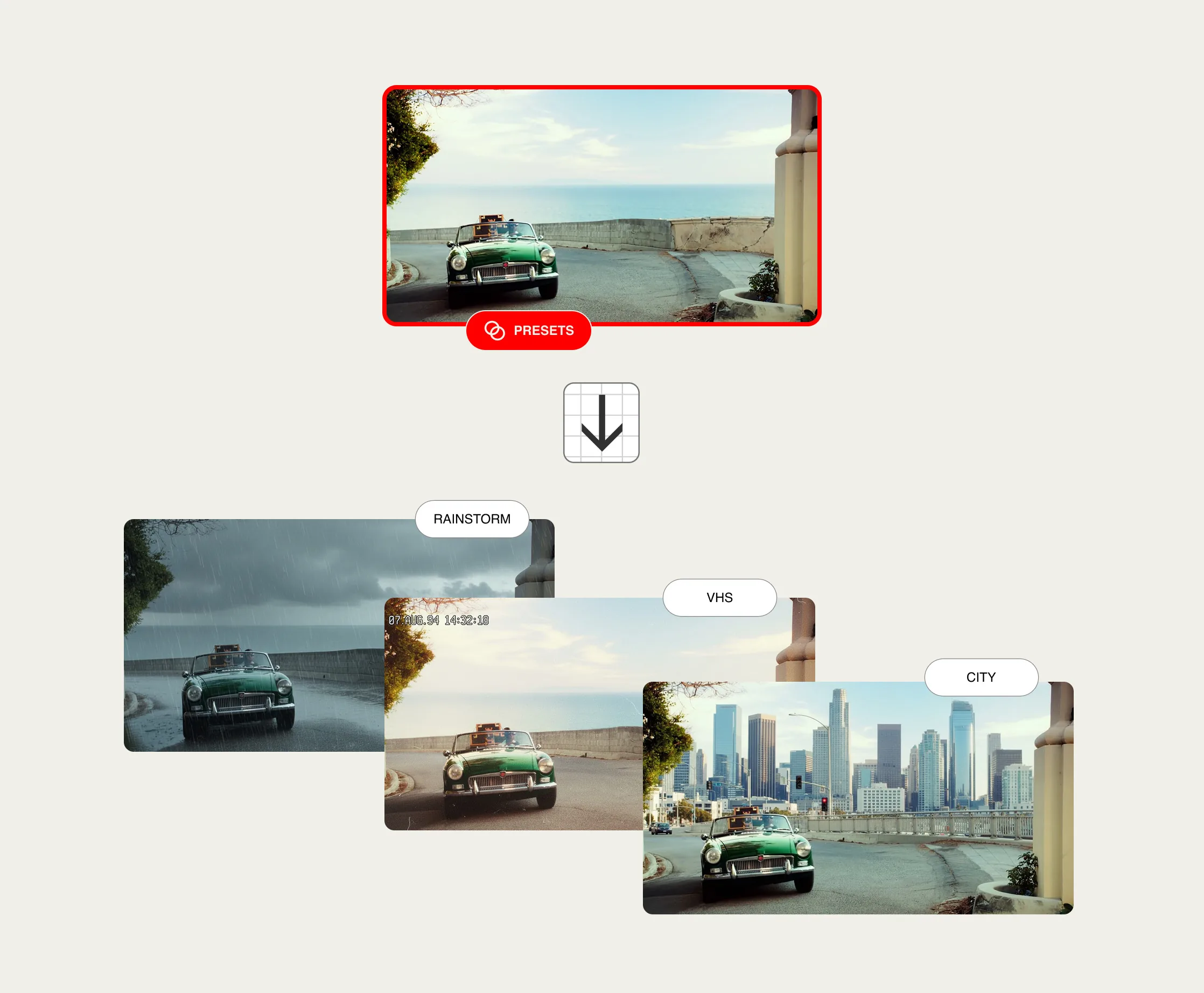
Generate variations of an image
You can generate new variations of the same image, inspired by our Presets. Generate easily multiple complementary shots from a single initial shot.
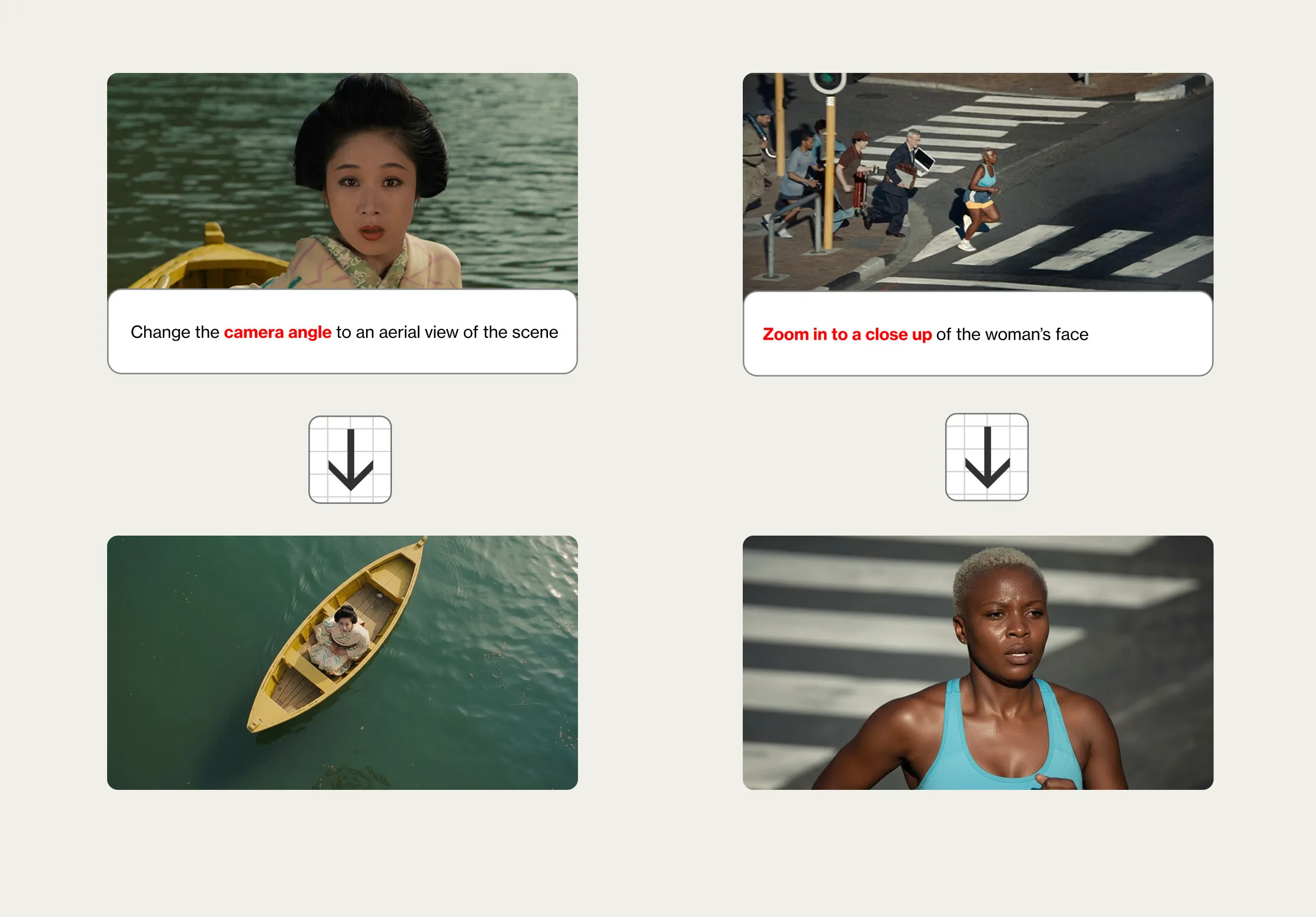
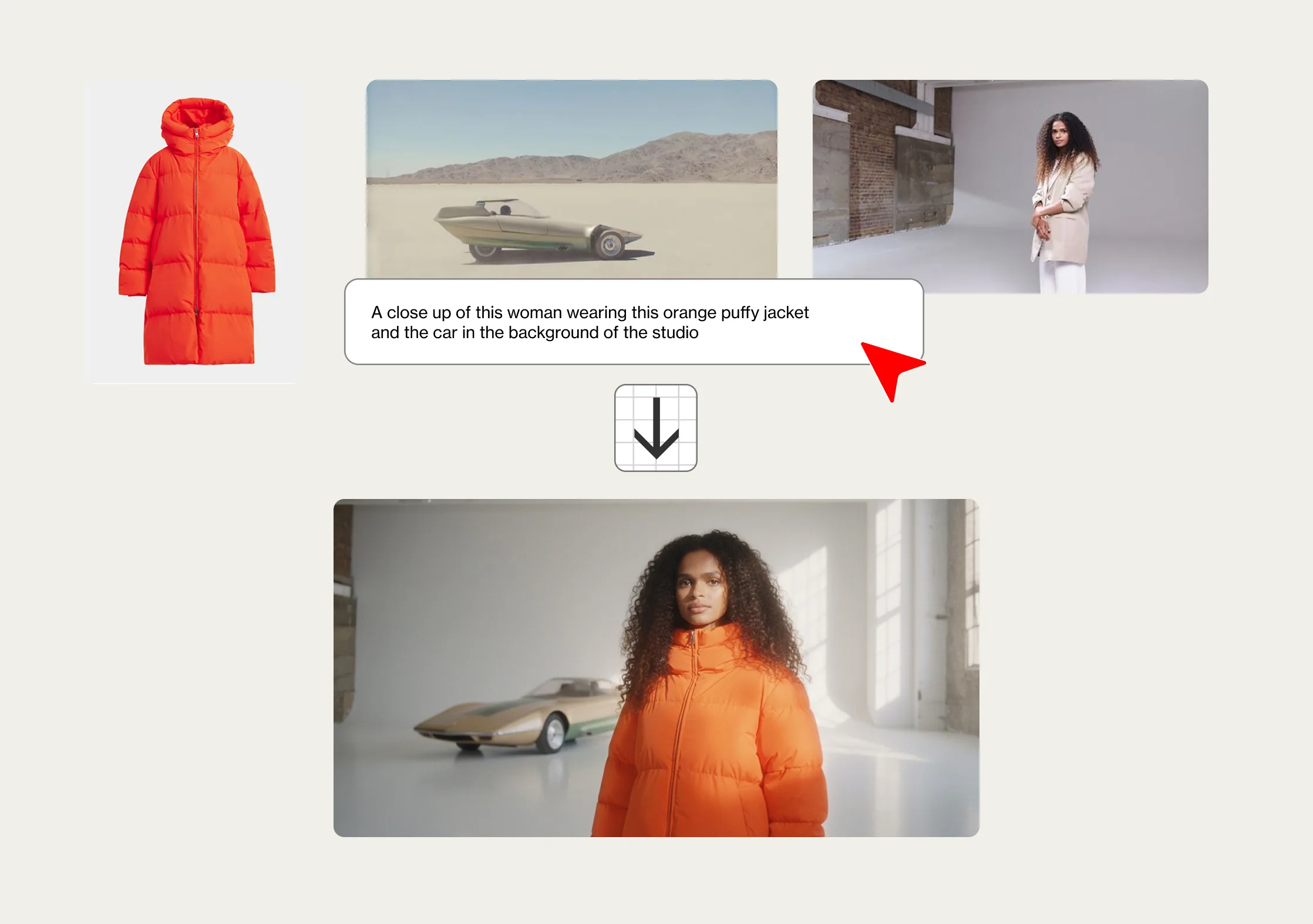
Assemble different images or elements
Upload up to 3 of your own images. Then, you can combine multiple images - for example, adding a new element to an existing image. To do this, we recommend describing the final result you want to achieve.

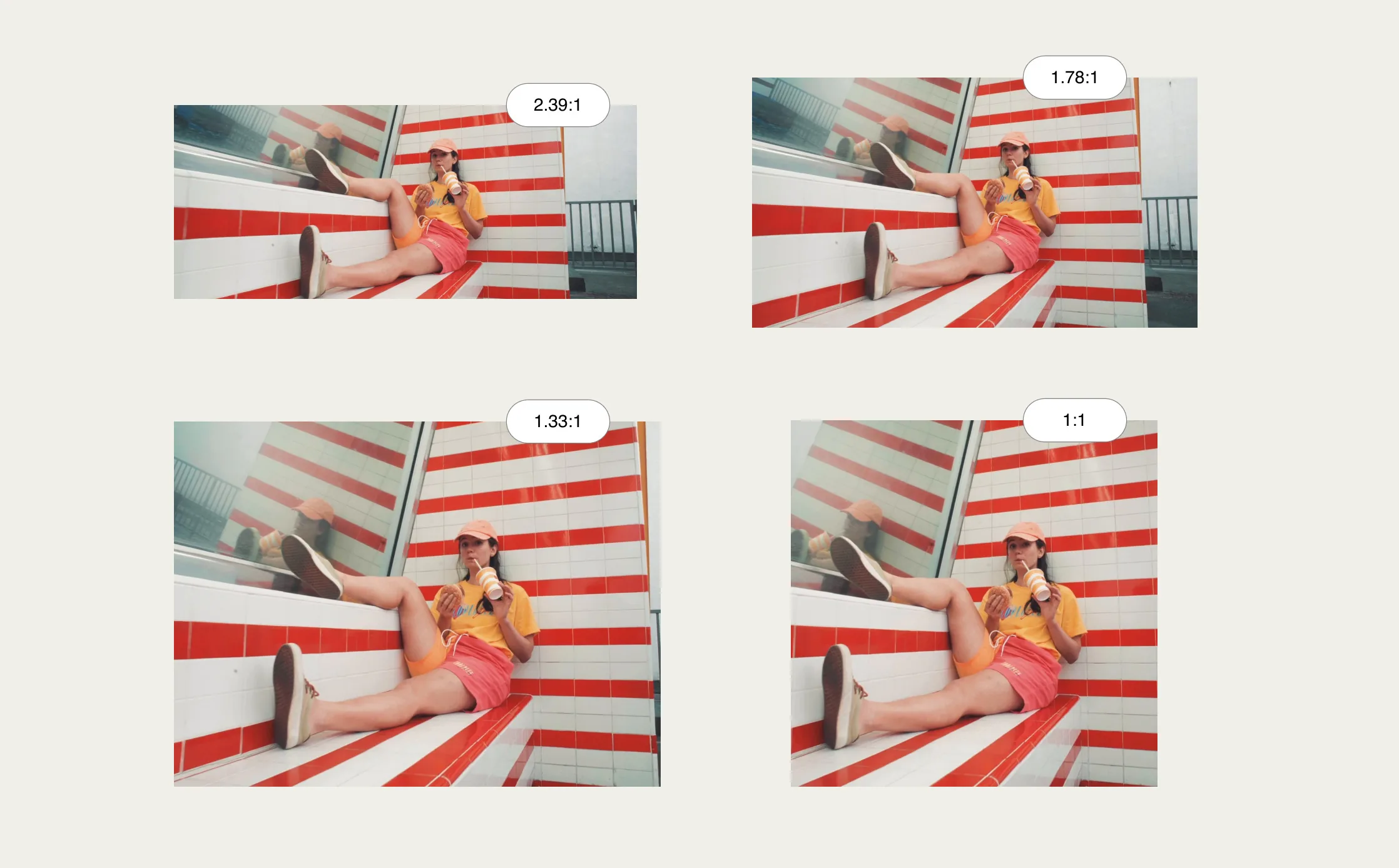
Choose the output format
Set the final aspect ratio for your result image.

NOTE
Sometimes the results may be off or disappointing. In that case, hit the “re-generate” button with the exact same prompt to try again.
For more details, check out our full tutorial video on how to Generate & Edit with Nano Banana on Flim.
Try it out, push your prompts further, and see how much it can accelerate your creative process!
Cheers,
The Flim Team
Got
Questions?

The AI Dock is a single space that brings together prompting from scratch, editing existing images, generating variations and combining elements from several images.
Flim partnered with Google to integrate Gemini Flash 2.5, known as Nano Banana, for image generation and editing.
Yes. Drag and drop any still from Flim, or upload your own image, then describe the tweak you want to apply.
Presets are ready-to-use creative shortcuts that speed up common transformations, such as exploring new camera angles or compositions in a few clicks.
You can upload and combine up to 3 images to assemble elements from different references into a single result.