Video generation on Flim: Veo 3.1, stills to motion
Visual research and moving image used to be two separate steps in a creative workflow. With Veo 3.1 integrated directly into Flim, they collapse into one: generate a short cinematic sequence from a curated still, an uploaded image, or a written prompt, without leaving the platform. This piece covers text-to-video and image-to-video generation, credit costs, and how animated references fit into a moodboard.
Flim now integrates Veo 3.1, a next-generation AI video model, directly into your creative workflow. For the first time, you can move directly from curated visual references to moving images, without leaving the platform.
From inspiration to motion
Generate short cinematic sequences from a Flim still, from your own uploaded image, or from a fully written prompt.
Video generation is available on the Pro Plan, starting at 8 credits per generation for the fast version of Veo 3.1, depending on the video duration (4 to 8 seconds) and the output quality (from 720p to 4K).
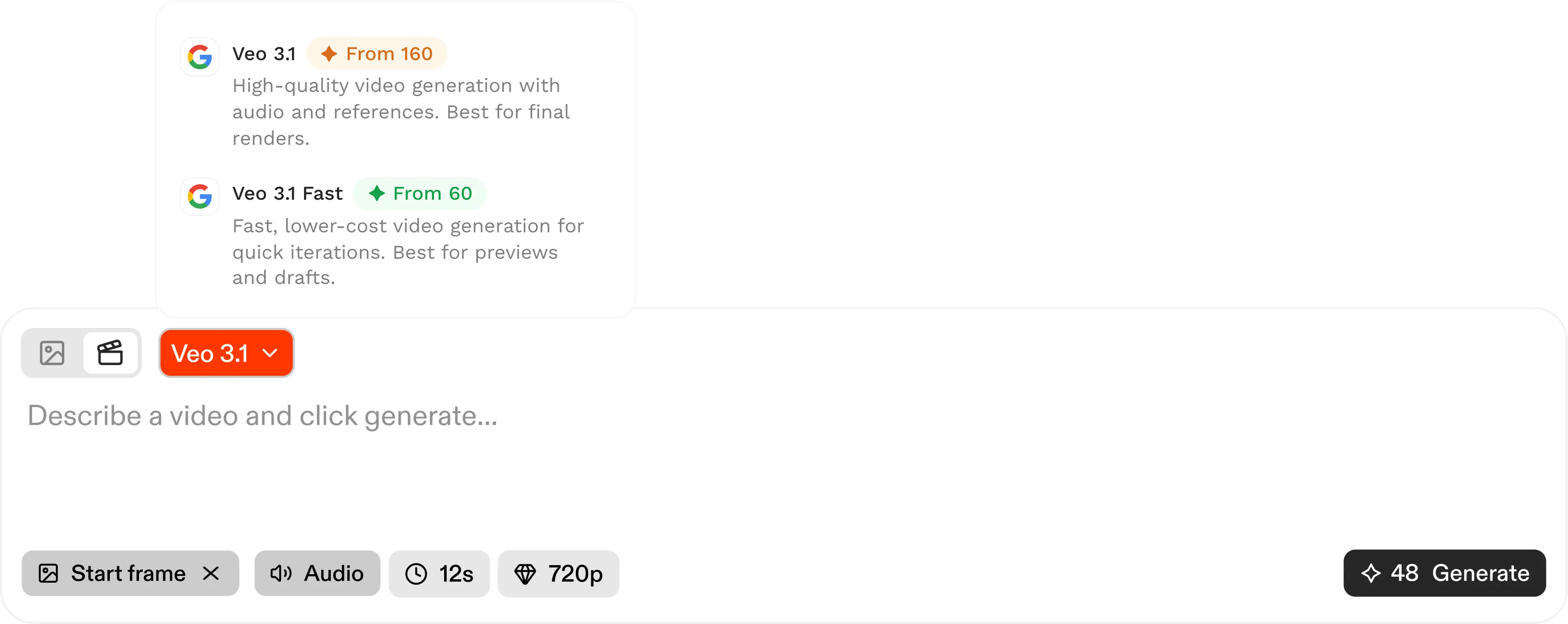
Generate cinematic videos
On Flim, video generation is optimized for cinematic results.
Text to video
Describe a scene and let Flim translate your idea into a short cinematic video, so you can quickly test visual directions, prototype ideas, and enrich your storyboard with motion.
Image to video
You can also start from an image in Flim’s extensive library or upload your own to use as a start frame. Working from a curated still makes it even easier to achieve strong results. That’s the advantage of generating video inside Flim: you build on our vast visual database to create motion with intention.
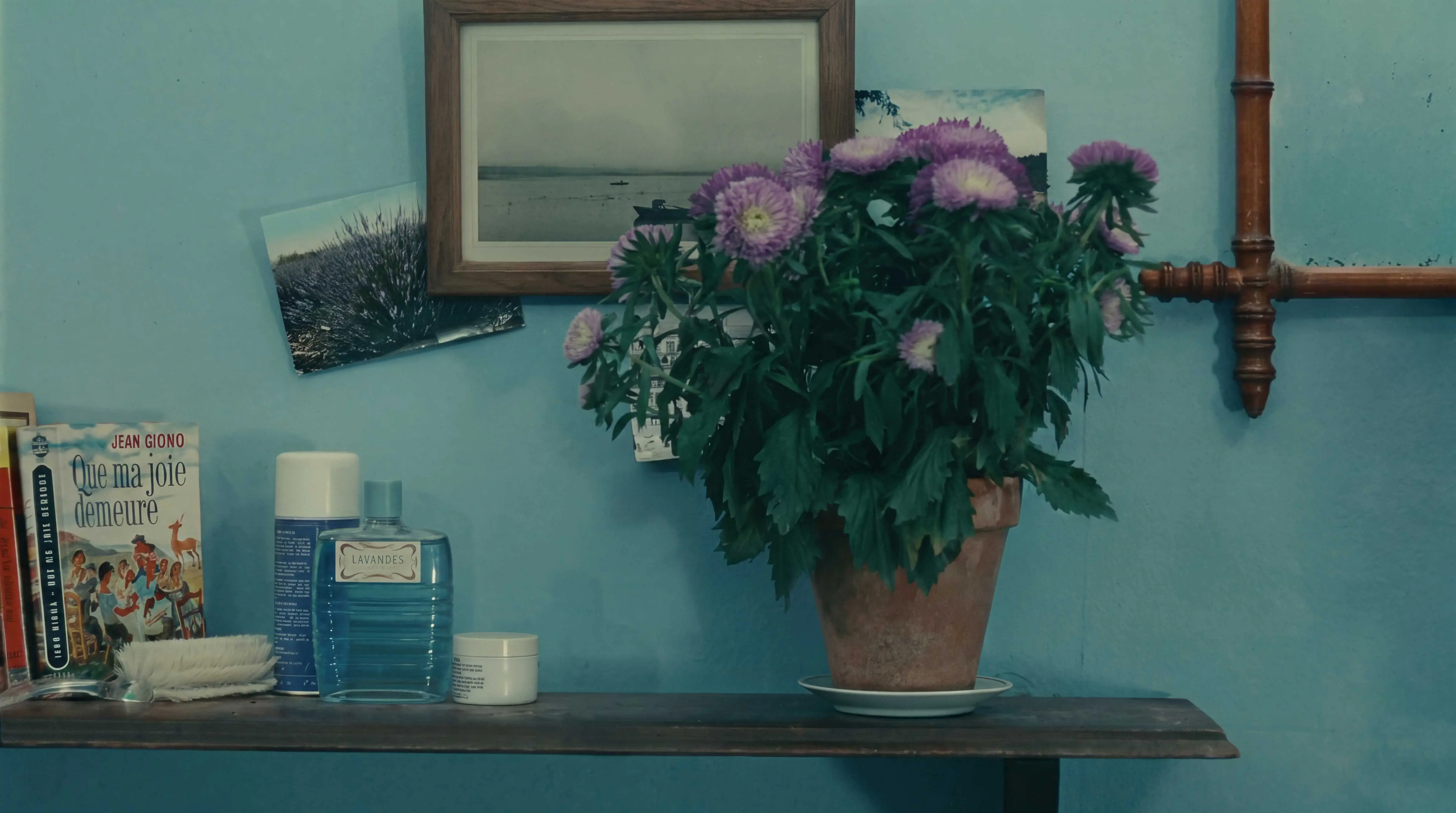
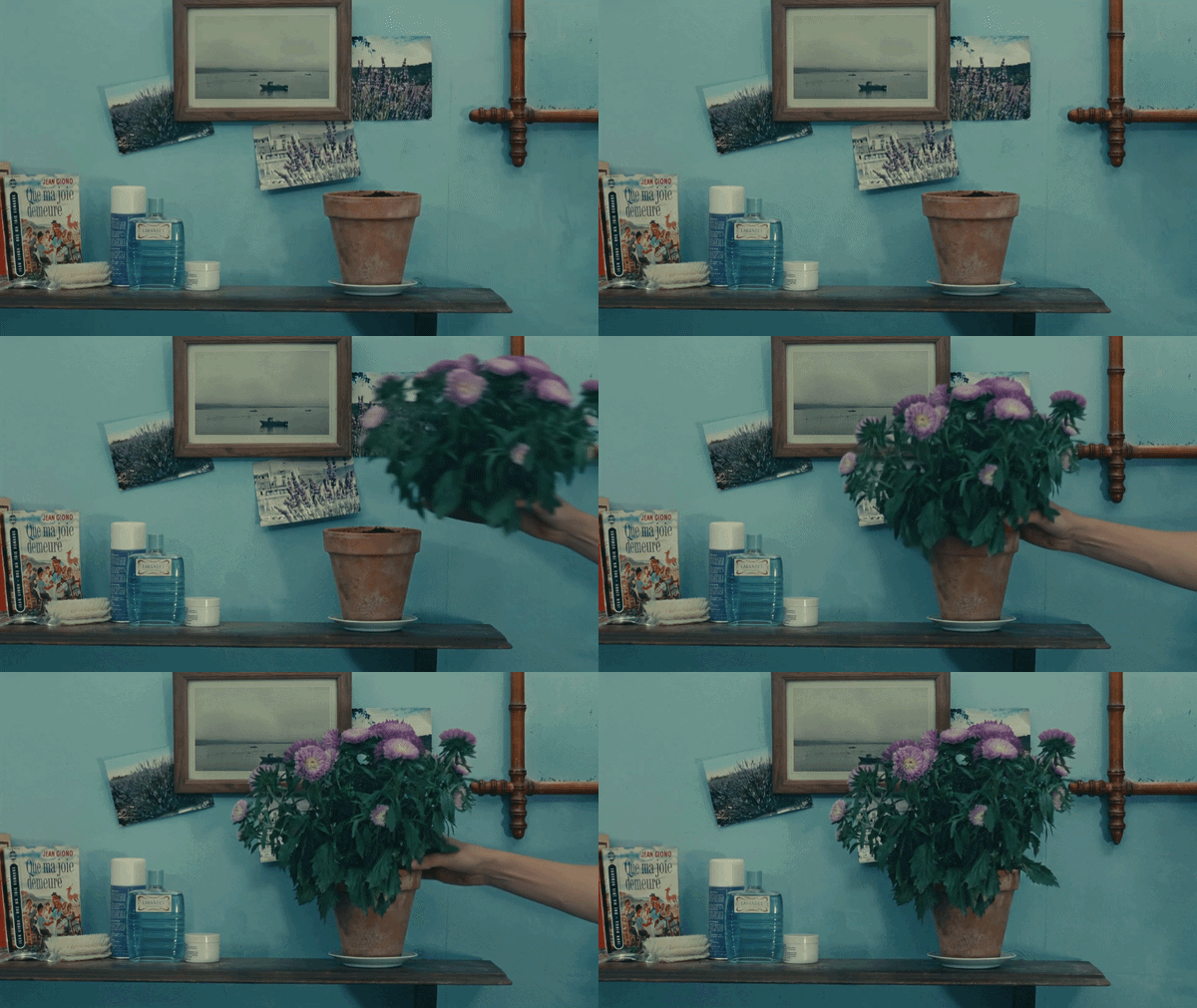
Animate references to enrich your moodboards
Select a still from your curated Board, define it as a starting frame and hit "Generate" to instantly expand that still into motion. This is particularly powerful when enriching a treatment with motion instead of static imagery.
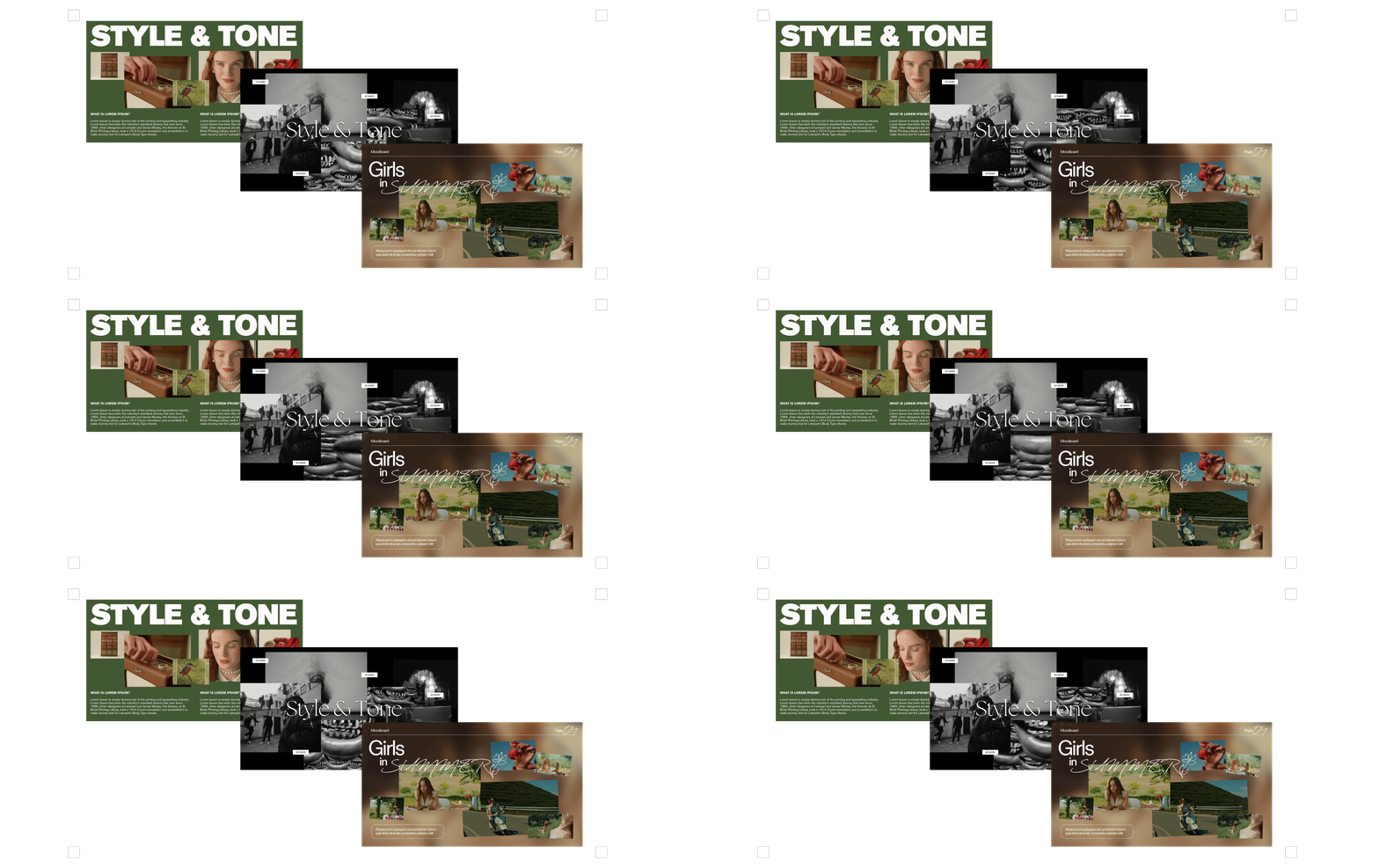
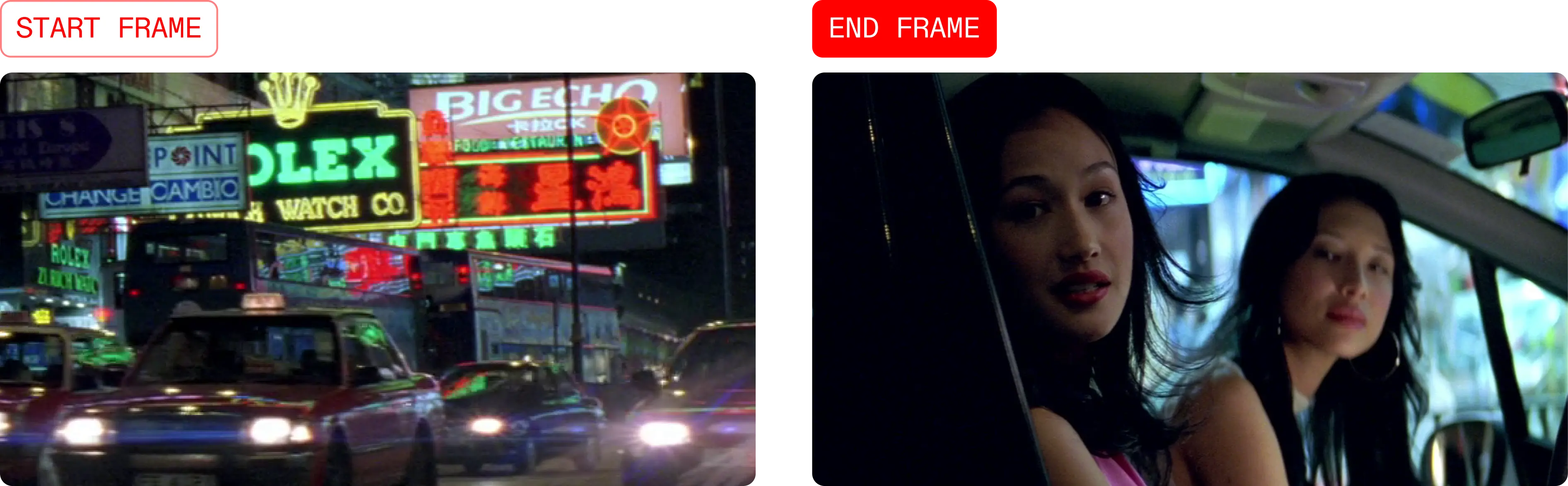
Generate Frame-to-Frame animation
Choose a start frame and an end frame, from Flim’s library or your own. Then, describe the action in a prompt to guide the transition between the frames, or leave it blank to let the model generate a natural cinematic transition on its own.

Expand your workflow on Flim
Flim is the all-in-one platform for visual storytelling, built for directors, DPs, treatment designers and creative teams who think in images. With image and video generation, the creative workflow expands naturally: research references, build Boards, generate stills, animate sequences to better communicate your vision.
Try it now on Flim with Pro plan.
Cheers,
The Flim Team
.webp)
Got
Questions?

Flim integrates Veo 3.1, a next-generation AI video model, directly into the platform.
Text-to-video generates a short cinematic sequence from a written description, while image-to-video starts from a still in Flim's library or an uploaded image used as the first frame.
Video generation starts at 8 credits per generation for the fast version of Veo 3.1, depending on duration (4 to 8 seconds) and output quality (720p to 4K).
Generations range from 4 to 8 seconds, at resolutions from 720p up to 4K.
No. Videos generated on Flim follow the same copyright rules as the rest of the database and cannot be used directly for commercial purposes.