How to brief a photographer using cinematic references
Most photography briefs lean on the same handful of tools: a written brief, a Pinterest board, maybe a few Instagram screenshots. The result is usually a board full of references that communicate a vague "feel" rather than anything a photographer can act on.
Cinematic references work differently: every still in a film was deliberately lit, framed, and graded, which means it carries information a generic inspiration image doesn't.
This guide covers how to choose references that say one thing clearly, structure a brief a photographer can use on set, and where to find references faster than scrolling.
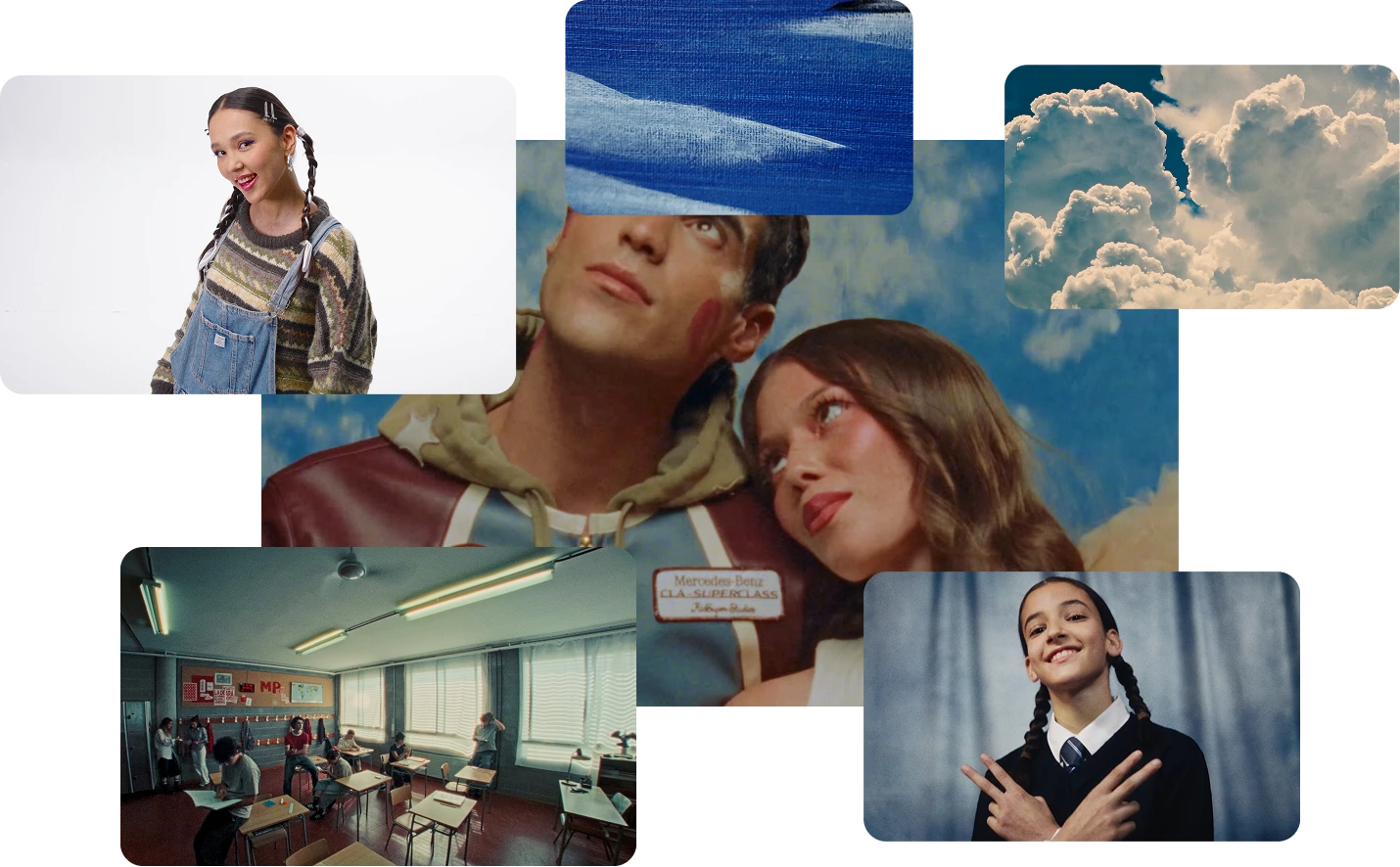
Choose references that communicate one thing each
Specificity beats volume. Six references that each nail one element, light, framing, palette, mood, wardrobe, location, are more useful on a shoot than thirty references that each say "kind of like this." A photographer scanning a board under time pressure needs to know immediately what each image is doing in the brief, not decode a vague aesthetic mashup.
It helps to annotate intent next to each reference when sharing the brief: what is this image actually showing, light direction, lens compression, colour grade, expression. A short note turns a pretty picture into an instruction. For example, a note as simple as "backlight only, no fill, silhouette intact" next to a single still removes an entire round of back-and-forth that a caption-free image would otherwise require.
It's also worth separating "must-match" references, the non-negotiable direction, from "inspiration only" references that set tone but aren't a literal target. Conflating the two is a common source of confusion on set: a photographer who treats every reference as equally binding will either over-engineer a shot that was only meant to suggest a feeling, or under-deliver on the one detail that actually mattered to the client.
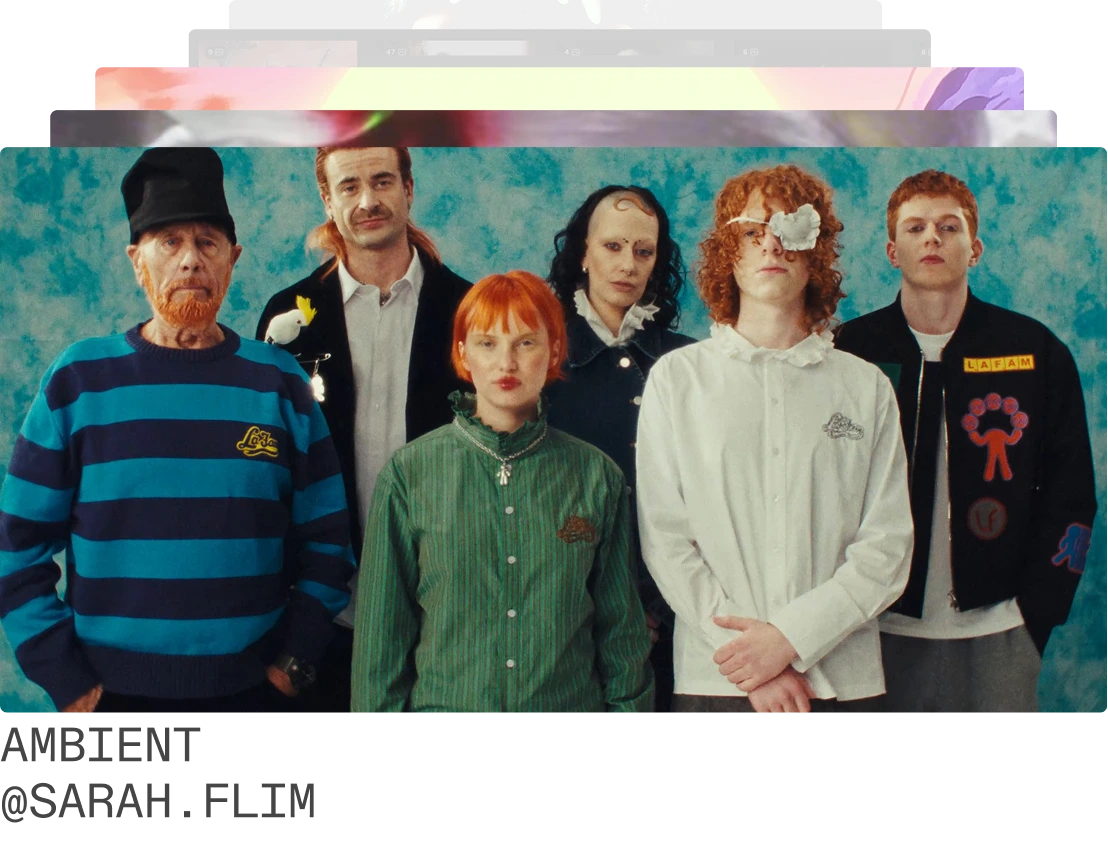
Structure the brief so it's usable on set
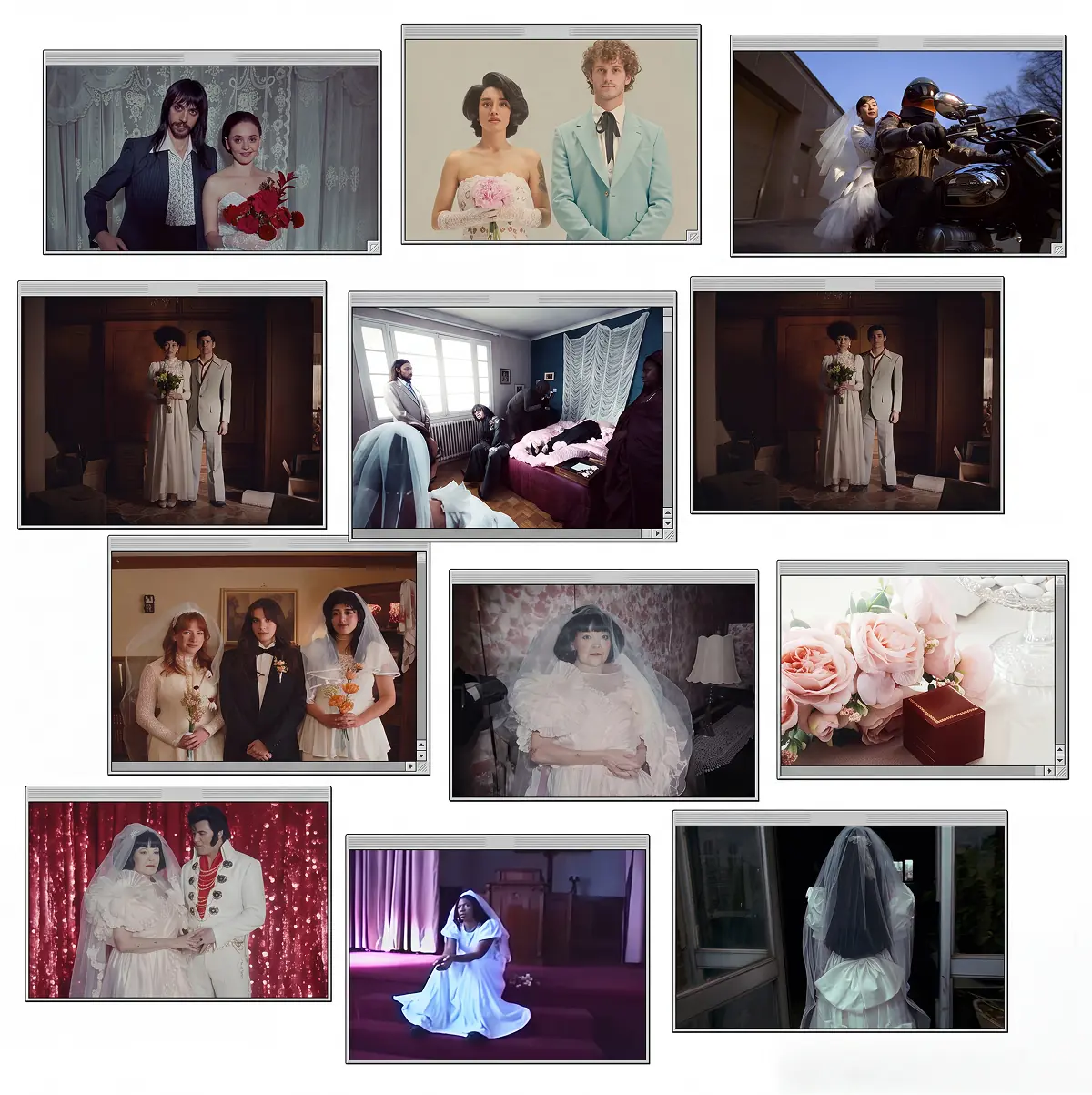
Group references by category, not by mood: lighting, colour palette, composition and framing, wardrobe and styling, location and environment. A board organised this way can be scanned section by section, which matters far more on a working set than it does in a pitch deck.
Include at least one technical reference per category, camera angle, lens feel, depth of field, rather than relying only on mood-driven images. And keep the board lean. A brief a photographer can scan in under two minutes between setups gets used. One that requires ten minutes of scrolling to make sense of usually gets glanced at once and ignored for the rest of the day.
Order matters too. Put the categories a photographer needs to confirm first, usually lighting and composition, ahead of the ones that mostly inform other departments, like location or wardrobe. A brief read in the order a photographer actually thinks through a setup gets used on set; one organised the way a client reads a pitch deck usually doesn't survive contact with a live shoot day.
A brief that takes ten minutes to read doesn't get read twice. Lean and categorised beats comprehensive and scattered, especially once the shoot is actually underway.
Brief differently for fashion vs. advertising shoots
Fashion briefs lean on styling, character, and wardrobe-led references, plus the brand's existing visual codes. The references doing the heaviest lifting are usually about silhouette, posture, and the texture and movement of fabric.
Advertising briefs lean differently: product integration, environment, and narrative context matter more. The product needs to read clearly inside the reference's lighting and composition logic, not get lost in an otherwise beautiful frame. A reference that's visually stunning but buries the product in shadow or off to one corner of the frame is the wrong reference for an advertising brief, even if it would be exactly right for an editorial fashion story.
This is also where mixing the two priorities causes the most friction. A photographer briefed with fashion-style references for what is actually a product-led advertising shoot will naturally prioritise mood over product clarity, because that's what the references told them mattered.
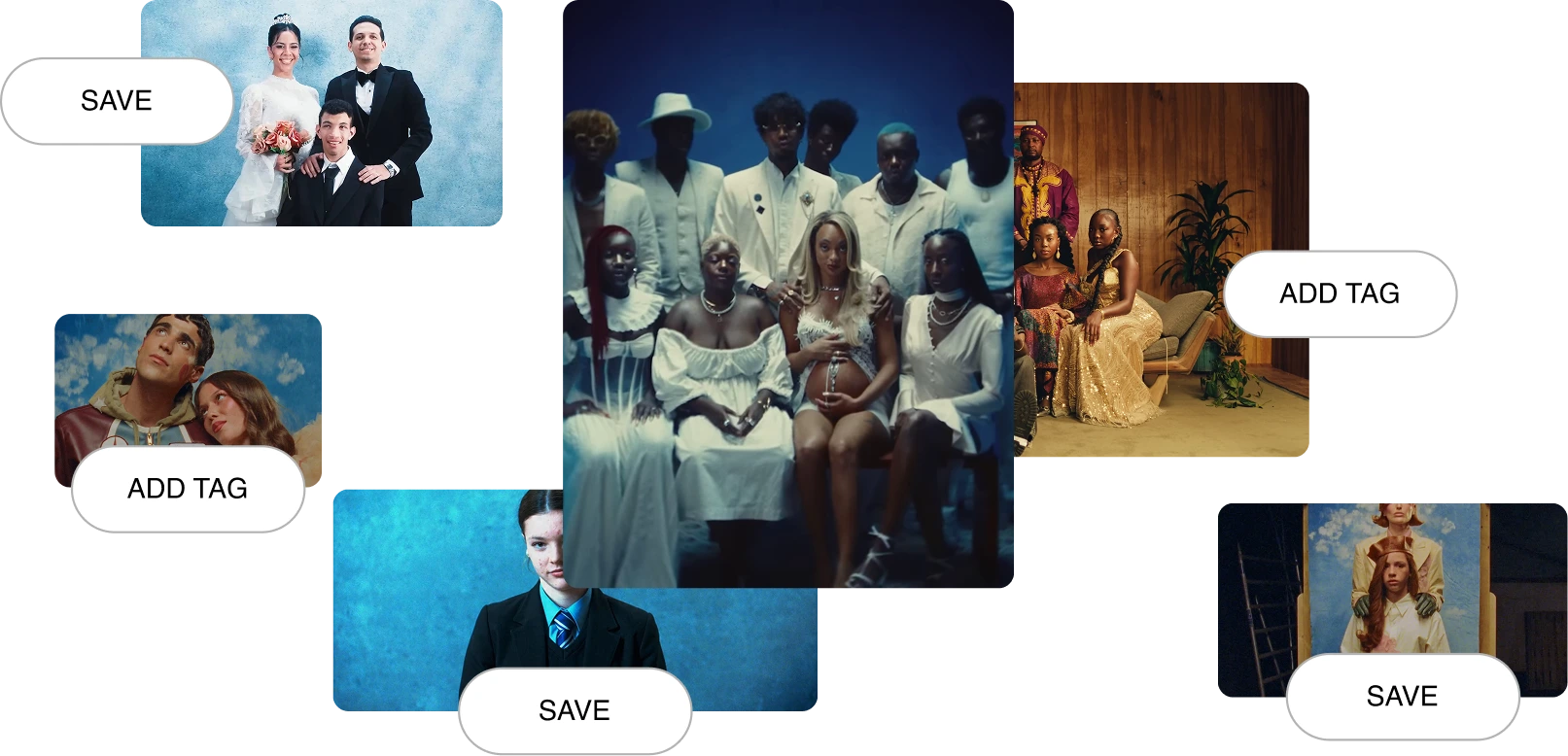
Find and organise references faster
AI Search changes how this part works. Instead of guessing at keywords, describe the mood, light, or era directly in natural language and let the search match the description rather than a search history full of the same recycled images. Filters narrow things down further: shot type, aspect ratio, colour, genre, useful for cutting through an endless feed instead of scrolling it.
Collaborative boards close the last gap: share a board directly with the photographer and stylist instead of exporting screenshots into a deck that's already out of date by the time it's sent. The visual reference tool and moodboard features are both built around this exact workflow, search, curate, share, without leaving the same tool.
It also keeps the brief alive after it's sent. A static PDF goes stale the moment a client asks for one change. A shared board can be updated in place, with everyone working from the same current version instead of a chain of "see attached, replaces previous version" emails.

Got
Questions?

Flim combines a curated library of 2M+ stills and video cuts from film, TV, ads and music videos with AI generation tools. Search by mood, concept or image, save references to Boards, edit and generate new visuals from your research, all in one workspace.
Professional creators (directors, DOPs, art directors, producers), students and teachers via the free Campus program, and teams via the Team plan.
You don’t need an account to start exploring Flim, you can search and browse right away.
Creating an account, however, unlocks the full experience: you can save your favorite searches, organize images into moodboards, track your activity, and access new features as they’re released. An account also helps you keep all your inspiration in one place, making it easier to return to ideas whenever you need them.
Flim combines a curated library of 2M+ stills and video cuts from film, TV, ads and music videos with AI generation tools. Search by mood, concept or image, save references to Boards, edit and generate new visuals from your research, all in one workspace.
Click Join, fill in the registration form (or sign in with Google), then click Join Now. Confirm your account via the link Flim emails you.
Go to Account Settings > Billing & Invoices. To cancel, click Cancel plan and confirm a second time: your subscription won't renew. To switch tiers, click Change next to your current plan.
Yes, anytime. Go to Account Settings > Change my plan, choose Basic or Pro (monthly or annual), and confirm. The unused value of your current plan is deducted from the new total.
Flim offers a simplified and limited version of its interface for mobile devices. For the full experience and features, go to desktop.