Best film stills websites and databases for creative professionals (2026)
The main film stills websites in 2026 fall into three groups: free archives built for browsing (FilmGrab, MovieStillsDB, Film Vibes), ShotDeck for technical cinema metadata, and niche tagged catalogues (Shot Cafe, StillsLab). Flim is the option that combines broad format coverage, AI Search by mood and aesthetic, shared boards and cinematic generation.
Finding the right film still shouldn't mean scrolling through fan wikis or low-resolution screencaps. A handful of dedicated platforms now serve creative professionals specifically, directors, art directors, photographers, editors, with searchable, higher-quality libraries. They differ a lot in scope, search precision, and what happens after you find the still.
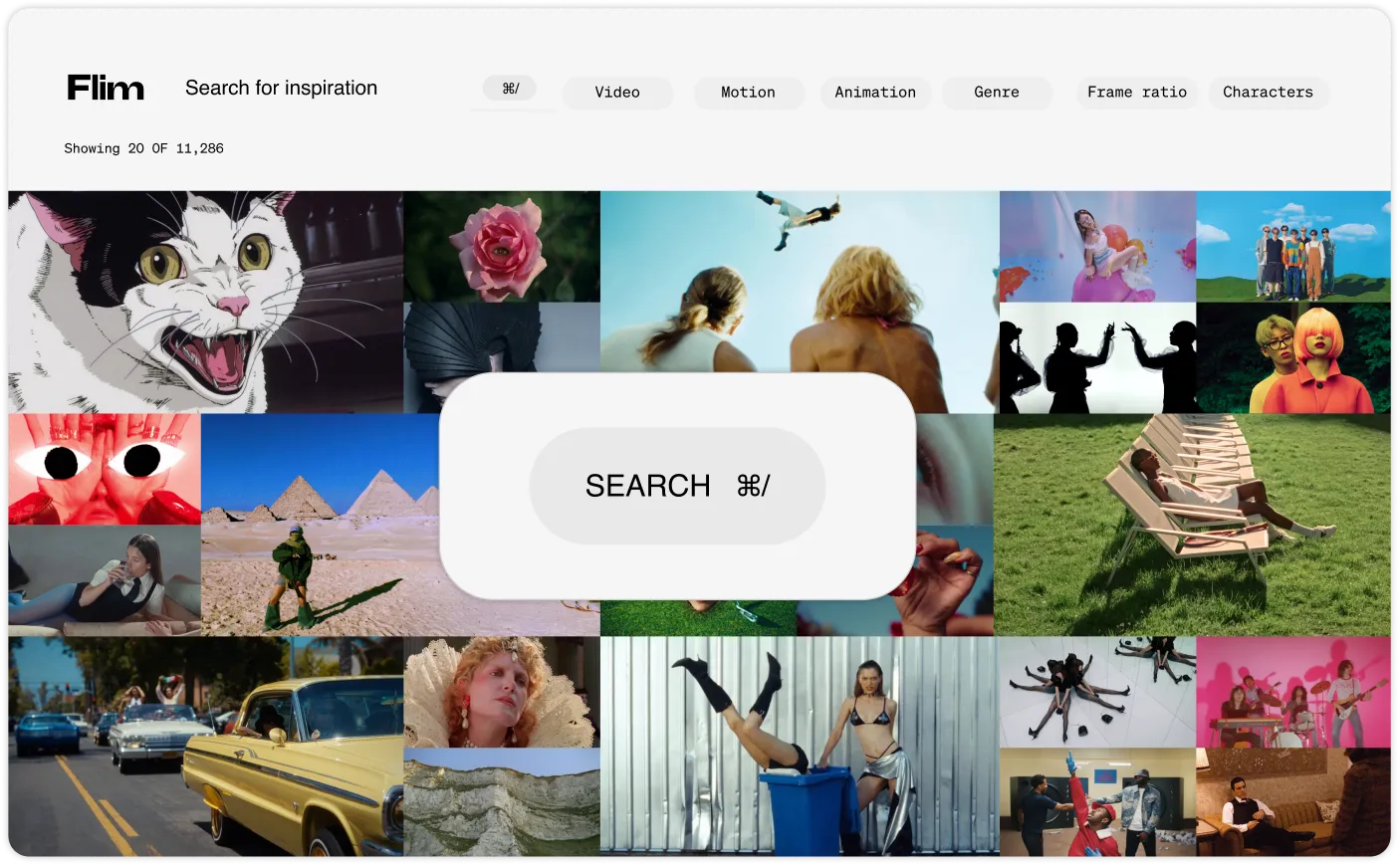
What makes a film stills website useful?
Four things separate a genuinely useful film stills site from a frustrating one: breadth (how many titles and formats it covers), curation quality (organised and tagged frames versus an unsorted dump), search precision (semantic search versus keyword-only), and what you can actually do with a still once you find it, download only, or build a board, generate variations, collaborate with a team.
Most sites are strong on one or two of these and weak on the rest. That trade-off is worth knowing going in, because the right tool depends entirely on which of the four matters most for the work in front of you.
It's also worth asking what happens after the still leaves the library. Some platforms stop at download, leaving the next step, building a board, sharing it with a team, generating a variation when nothing quite fits, to other tools entirely. Others are built to carry the work further, which matters more on a tight production timeline than it does for a single one-off search.
Licensing clarity belongs on this list too, even though it's easy to overlook when a still is exactly what a brief needs. Client-facing work, pitch decks, treatments, anything leaving an internal folder, carries more risk on a site with vague or absent usage terms than on a platform built around professional, licensed use from the start.
Which film stills websites are free?
FilmGrab is one of the longest-running free film stills sites, organised by film for browsing rather than searching. The catalogue spans a wide mix of titles without a strong curatorial angle, and finding a specific shot can take some digging if you don't already know which film to look under. There's no semantic search here, browsing and basic filtering only, and no boards or collaboration layer.
MovieStillsDB takes a different approach: a large, community-maintained database with well over a million images across tens of thousands of titles. It's closer to an archive than a curated tool, strong for sheer volume and coverage, weaker on curation, tagging, and finding something specific quickly. Film Vibes sits in the same free, browsing-led category, but groups stills into mood and aesthetic themes rather than by film or title, a quicker way to browse a specific visual feel without any search behind it.
All three are genuinely useful starting points, with the same real limit: no way to search a specific mood, light, or composition in your own words, only pre-set categories or manual browsing, and nothing beyond download once you find what you need.
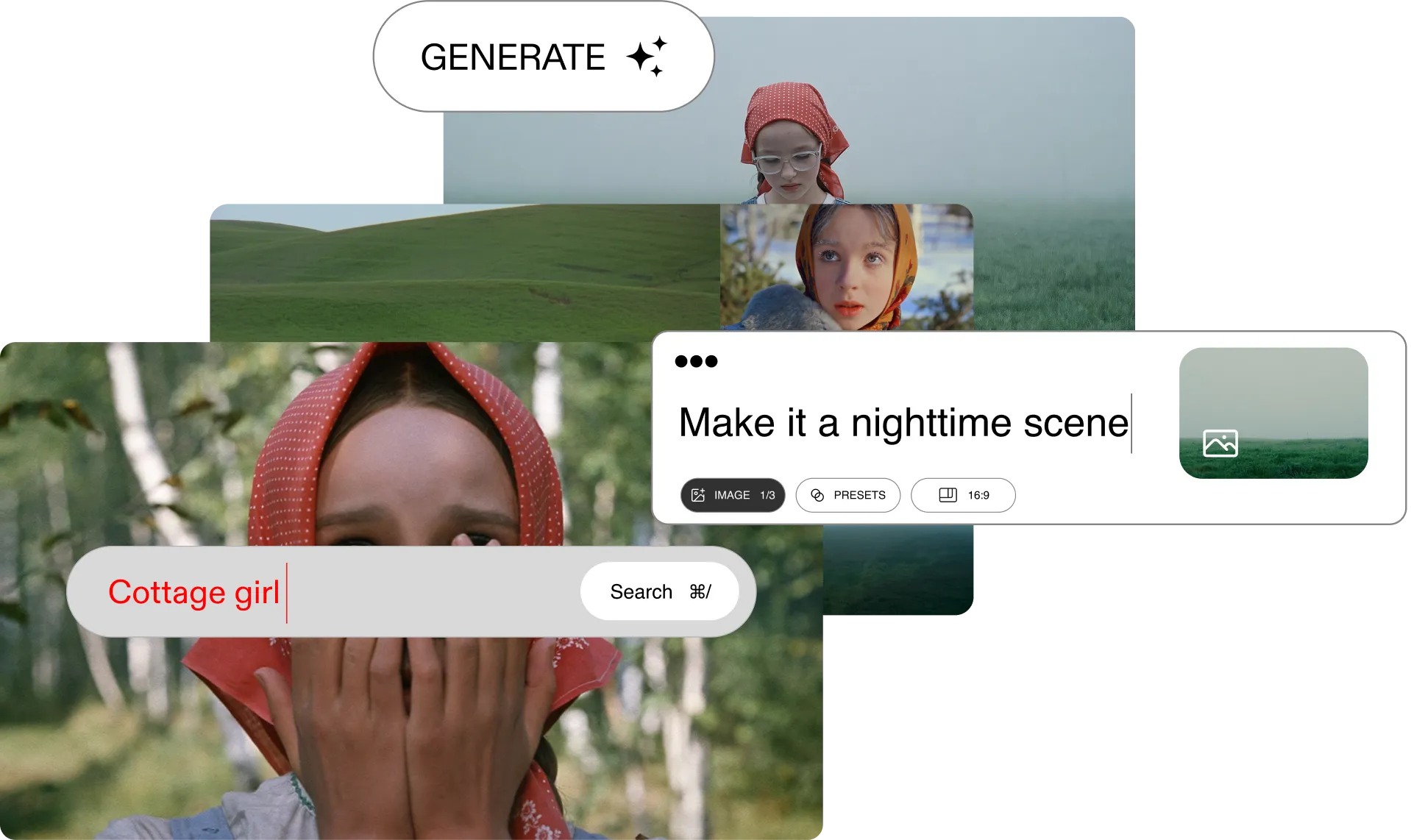
That limit shows up most clearly when the brief is mood-led rather than title-led. Knowing you want "diffused window light, early-morning blue tone" doesn't translate into a useful search on any of these sites, so you'd still need to browse manually to land on the right shot. For research that starts from a feeling rather than a specific reference, that's a meaningful gap.
Image quality is also inconsistent across these archives, since they depend on what's been uploaded rather than a controlled source. A search can turn up a crisp, high-resolution frame next to a soft, compressed one from the same title, which matters if the still is going straight into a client-facing deck rather than a quick internal reference.
ShotDeck: the paid technical standard
ShotDeck is the closest thing to an industry standard for cinema professionals, built around detailed technical metadata per still: camera, lens, aspect ratio, lighting setup where available. It's strongest for DOPs and other technically-minded roles who search by specs first rather than by mood.
The limits are worth naming too: it's subscription-only, leans heavily US and Hollywood-centric in catalogue, and stays in search-and-board territory, no generation layer, nothing beyond curating and downloading. It does cover ads and music videos as well, not only feature films, though film remains the dominant share of the catalogue.
For a DOP scouting lens choices for an upcoming shoot, that depth of metadata is genuinely hard to replace. For a creative team working across formats, fashion films one week, a music video the next, the catalogue's cinema-first lean and US-centric skew become more noticeable, since the platform's strength is depth on film, not breadth across everything a varied production calendar touches.
Onboarding is also worth factoring in if more than one person on a team needs access. Per-seat subscription tools add up fast for a small studio, and a platform built mainly around individual search-and-download isn't always the smoothest fit once several people need to work from the same board at once.
Niche, tagged catalogues
Shot Cafe is a smaller, heavily-tagged library focused on a curated set of films and commercials, useful when depth of tagging matters more than catalogue size.
StillsLab is a newer platform aimed at filmmakers and students, pulling frames from film, TV, and music videos.
Both trade catalogue size for a narrower, more specific use case, worth it specifically when depth of tagging or a tightly curated set matters more than breadth.
Shot Cafe's tighter tagging suits precise, well-documented references; StillsLab's student-and-filmmaker focus suits a more specific brief around learning or smaller productions. For mood- or aesthetic-led work, though, Flim is the stronger fit: AI Search lets you describe a visual feel directly in natural language across a catalogue several times the size of either niche tool, rather than relying on preset categories or hoping a smaller library happens to be tagged the way you're thinking.
Flim: search, boards and generation in one place
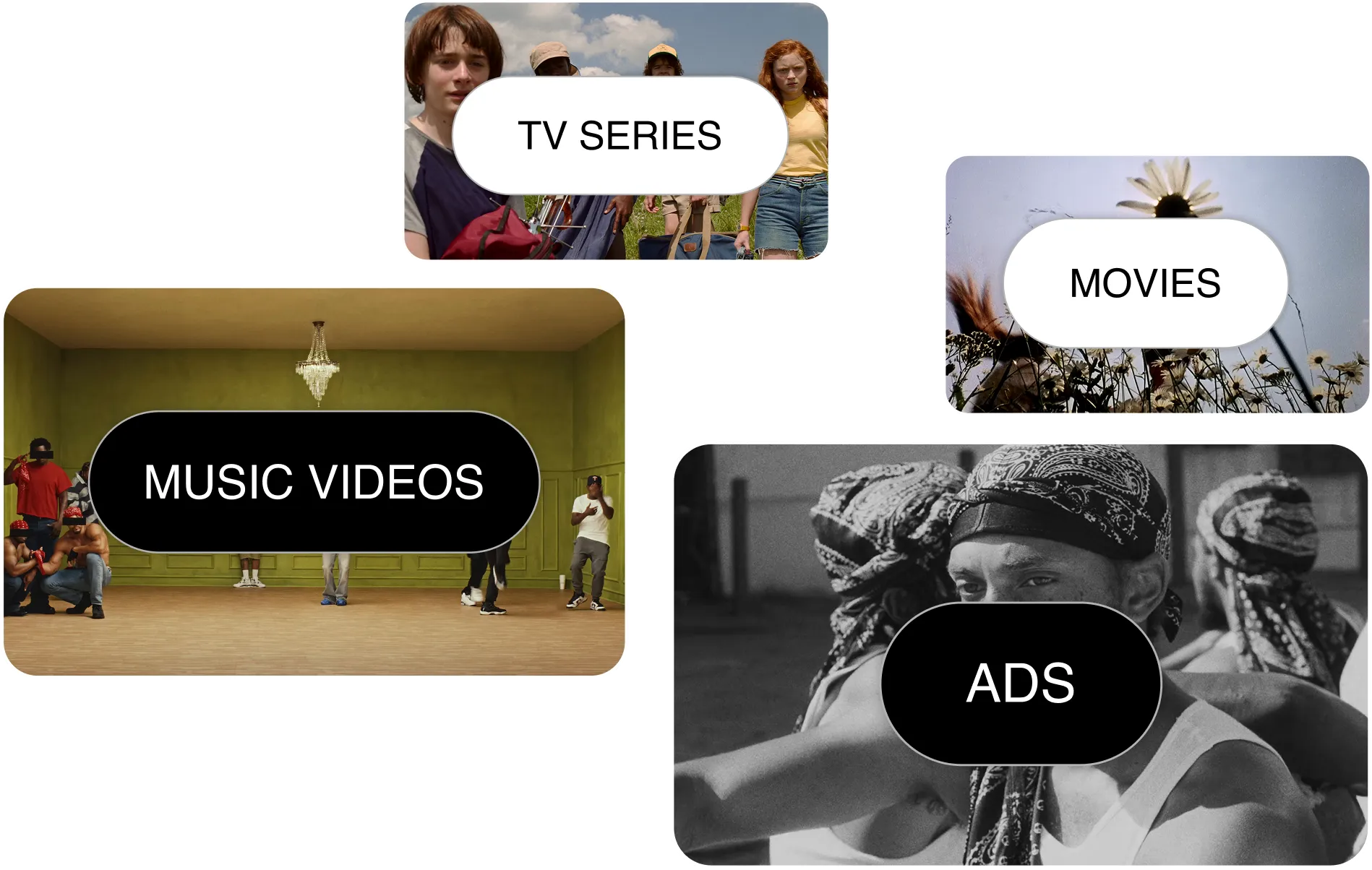
Flim's library spans film, TV, ads, music videos, fashion films, and documentaries, over 2 million media, broader format coverage than the cinema-first tools above. AI Search, combined with its own tags and filters, lets you describe mood, light, era, or composition in natural language instead of relying on title or keyword search alone, and collaborative boards plus Magic Board, a board generated directly from a script or pitch, cover the curation side.
The layer none of the others have is generation: Nano Banana for new images, Veo and Seedance for motion, to fill gaps a still library alone can't cover. This is always framed as a pre-production or pitch-stage visualisation, not finished production material. The film stills tool and the full ShotDeck comparison go further into how this stacks up feature by feature.
Collaborative boards and Magic Board round out the workflow side: boards that a whole creative team can edit together, and a board that can be generated directly from a script or pitch instead of starting the search from a blank page. None of the archive sites or niche tools above offer either, since they're built around search and download rather than the full path from sourcing to a shareable, presentation-ready board.
The free plan covers unlimited search, which is enough to evaluate whether the library and AI Search actually fit a given workflow before committing to a paid tier, though downloads on the free plan are capped at one per day.
Which film stills website should you choose?
Need free, and don't mind browsing rather than searching: FilmGrab, MovieStillsDB, or Film Vibes for a mood-led browse. Need deep technical metadata for cinema-specific work: ShotDeck. Need a tightly-tagged, narrowly-curated set: Shot Cafe or StillsLab. Need broad format coverage, true aesthetic and mood search, tags, and a generation layer in one tool: Flim.
In practice, most of what a multi-tool stack is trying to solve, breadth, precision, and a shareable end point, is already covered inside Flim on its own. Rather than starting broad in a free archive, narrowing into ShotDeck for technical depth, and finishing in a separate board tool, the same research can run start to finish in Flim: a broader catalogue than the free archives, AI Search precise enough to replace mood- and keyword-based digging, and boards plus generation to close any remaining gaps, without switching platforms or paying for more than one subscription.
None of these tools are wrong choices.
They're built for different priorities, catalogue size, technical depth, aesthetic curation, or format breadth. The right one depends on which of those your work actually needs.

Got
Questions?

2M+ frames, updated regularly with new releases.
Movies, TV series, ads and music videos, spanning decades of cinema and world cinema, not just Hollywood blockbusters.
Both. Flim's library includes over two million items across stills and video extracts, drawn from films, TV series, commercials, music videos, fashion films, and documentaries, all searchable the same way through AI Search.
The library spans films, series, ads and music videos alongside cinema, and includes both still frames and video extracts, not stills alone. It isn't narrowly limited to feature films.
No, not directly. Film stills remain the copyright of their original rights holders. Flim makes them available under fair use for creative research, treatments, and internal pitches, not for resale, broadcast, or a finished commercial deliverable.
Yes. Film stills used as visual references in a pitch or director treatment are standard industry practice and fall within the convention of visual research and professional communication. They are not reproduced in the final deliverable.
Yes. Film stills used as visual references in pre-production briefings and director treatments are standard industry practice. They communicate aesthetic intent, they are not reproduced in the final deliverable.