Beyond pinterest: how professional creatives find references
The best Pinterest alternative depends on the job. For a precise reference in films, ads and music videos, Flim searches over 2 million images and video cuts by mood, light and colour. For open discovery, try Are.na, Cosmos or Savee. For organising your own references, Milanote or PureRef.
Pinterest was everyone's first moodboard. Then the feed filled up with trends, sponsored pins and images nobody could trace back to a source. For a mood you want to wander around in, it still works. For a brief with a client, a deadline and a very specific light in mind, it stops working fast. The good news: the tools that replace it are better at their one job than Pinterest ever was at all of them. This selection sorts them by that job, so you can pick the right one instead of the most popular one.
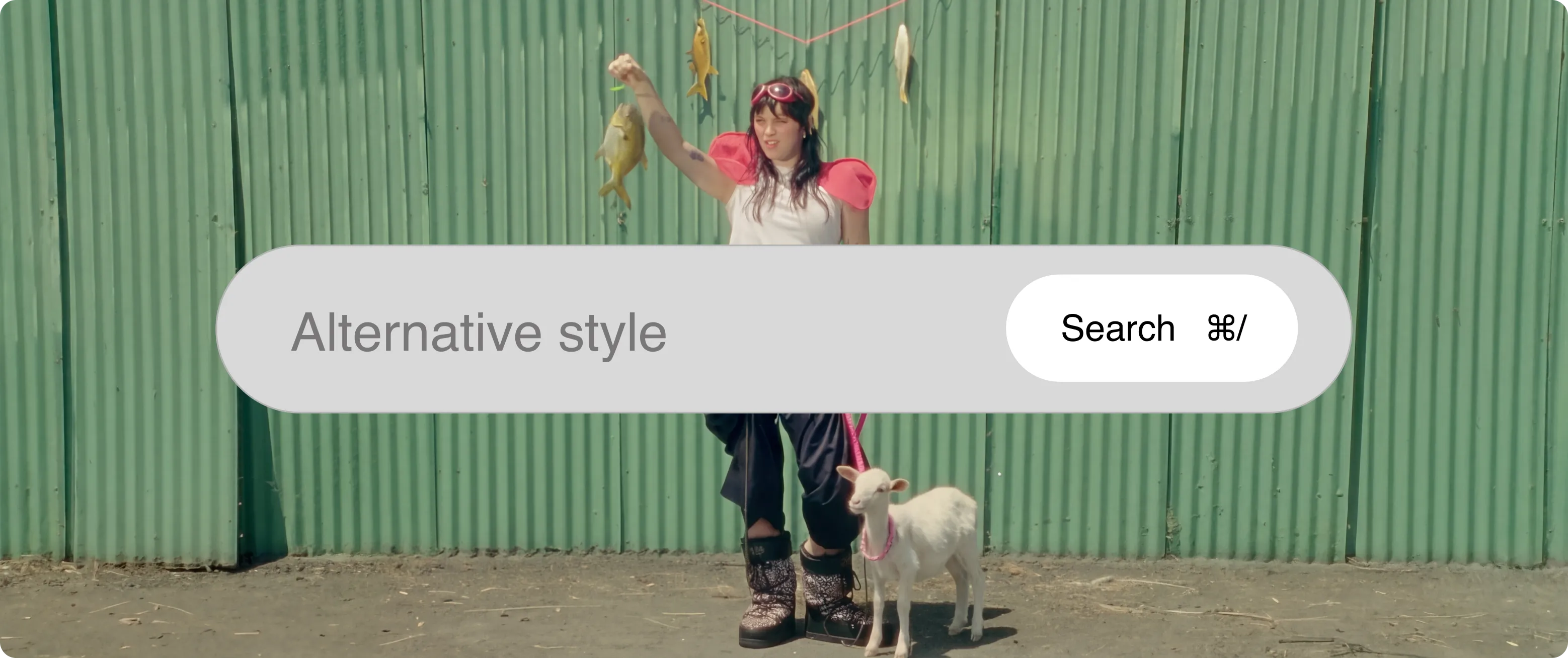
Why do creatives look for a Pinterest alternative?
Most designers start looking for a Pinterest alternative the day a pin lets them down in front of a client. Pinterest is built for browsing, not for briefs, and the gap shows in three places.
- The feed follows trends, not intent. The algorithm serves what is popular and what looks like your last saves, so the same aesthetics come back again and again.
- There are no professional filters. You cannot ask for a wide shot, a 2.39 ratio or a specific decade. You scroll and hope.
- Sources disappear. Images get reposted until nobody knows where they came from, which is a problem the moment a reference has to be credited or discussed with a client.
None of this makes Pinterest useless. It makes it one tool among several, and the rest of this list is about the others.
The best Pinterest alternatives at a glance
Each Pinterest alternative below does one thing better than Pinterest. The table sorts them by that thing.

Where can you find a precise visual reference?
When the brief is specific, scrolling a feed is the slowest way to the right frame. A reference-first Pinterest alternative works the other way round: you describe what you need, and it finds it.
Flim
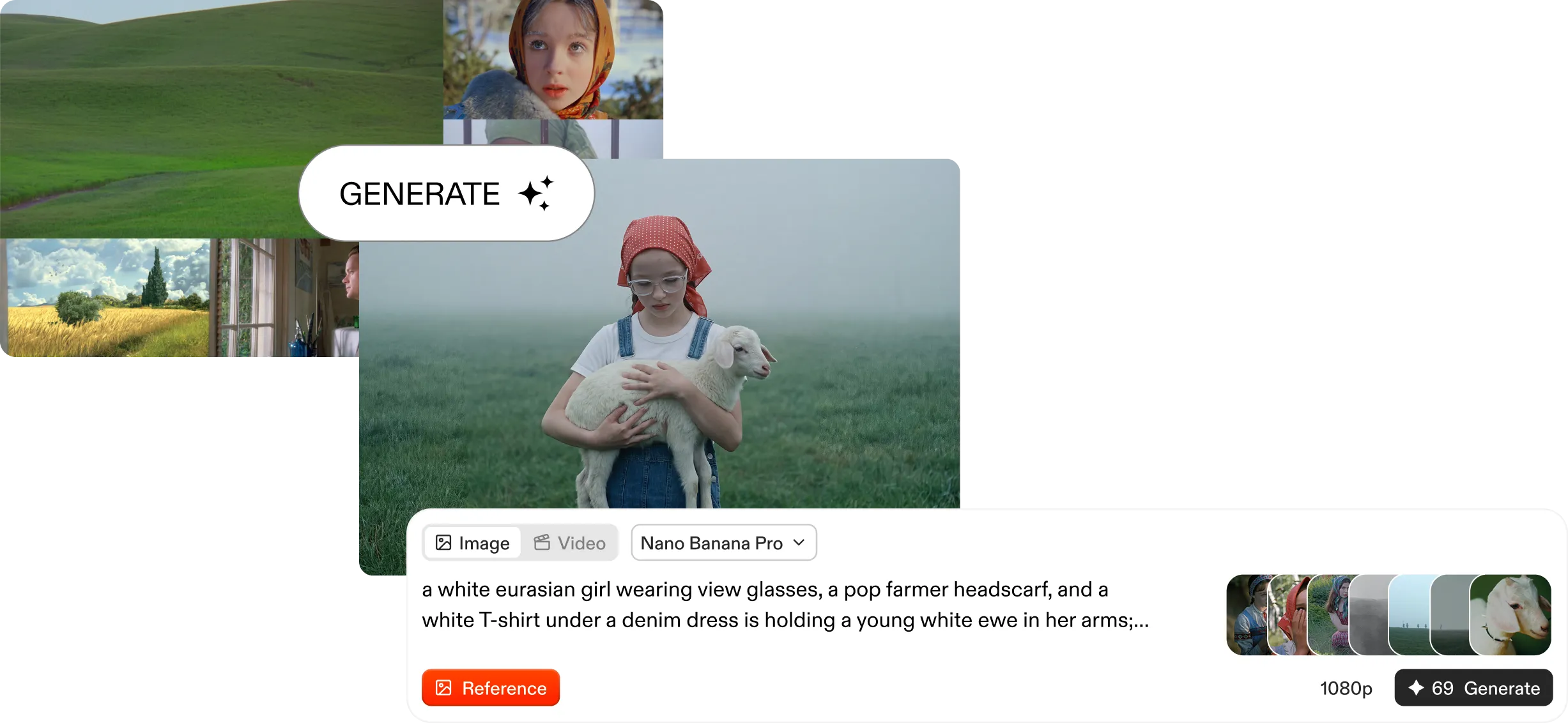
Flim is a reference library for creative professionals: over 2 million images and video cuts from more than 7,000 films, plus TV series, ads, music videos and documentaries, including 575,000 video cuts. Instead of scrolling a feed, you type what you have in mind, "cold morning light, empty office, 1970s", and AI Search returns frames that match the mood, not just the keywords.
- Filters when you know exactly what you want: Frame size, Ratio, Release year, Motion, Color & lighting and more, 11 in total.
- Reverse Image Search: start from an image your client already likes and find its neighbours.
- Credits on every frame: director, director of photography, production house and release date, so a reference can always be traced.
- Boards built for teams: shared, edited in real time, exported as a ZIP or opened in Canva for the deck.
Browse the film stills library to see the range. If you are also comparing dedicated cinema reference tools, see how Flim works as a ShotDeck alternative or a FilmGrab alternative. Keep in mind: Flim is for finding references, not storing your own files. Adding your own images to a board is not available yet, so pair it with Milanote or PureRef, covered below, if that is what you need.
Behance and Dribbble
Portfolio platforms where designers publish finished work, with Behance leaning towards branding and illustration case studies and Dribbble towards UI and product design.
Best for: seeing how other designers solved a similar brief. Keep in mind: you are looking at other designers' work, which is great for benchmarking and risky to copy.
Which Pinterest alternatives are best for discovery?
If what you miss is the pleasure of wandering before a direction is set, these four Pinterest alternatives give it back without the trend machine.
Are.na
A research platform where you save images, links and text into channels, and connect them to other people's channels. No ads, no likes, no algorithm deciding what you see.
Best for: long-term research and thinking in connections. Keep in mind: the free plan caps private blocks at 100, and the interface is deliberately plain.
Cosmos
Visual collections with a calm, gallery-like interface. You can search by colour and visual similarity, and blur or hide images detected as likely AI-generated.
Best for: building good-looking personal collections. Keep in mind: it collects what exists on the web, it does not tell you which film or campaign a frame came from every time.
Savee
A curated, ad-free inspiration feed with a strong graphic design and branding bias, plus a browser extension that saves from any site in one click.
Best for: designers who want a sharper feed than Pinterest. Keep in mind: unlimited and private saves sit on the paid Pro plan.
Same Energy
A visual search engine: start from an image and it returns others with the same feeling, across a Creative Commons catalogue.
Best for: following a mood from one image to the next. Keep in mind: it is a search engine, not a workspace, so collecting and sharing happen elsewhere.
Which tools are best for organising your own references?
Some people leave Pinterest not to find new images but to organise the ones they already have. For that, a Pinterest alternative built around your own files does the job better.
Milanote
Free-form boards where images, notes, links and to-dos sit side by side, which makes it popular for pitches and project planning. The free plan holds 100 notes, images or links.
Best for: turning a pile of references into a structured project board.
PureRef
A desktop app for Windows, Mac and Linux that keeps a board of reference images floating above your work. Illustrators, concept artists and 3D artists swear by it. It is pay what you want for personal use.
Best for: keeping references in view while you paint, model or edit.
How do you choose the right Pinterest alternative?
The right Pinterest alternative is the one that matches the stage of your work. Most professionals end up combining two or three tools, one per stage.
- A specific reference: Flim for film, ads and music videos, Behance or Dribbble for graphic and UI work.
- Open exploration: Are.na, Cosmos or Savee, when you are still looking for a direction.
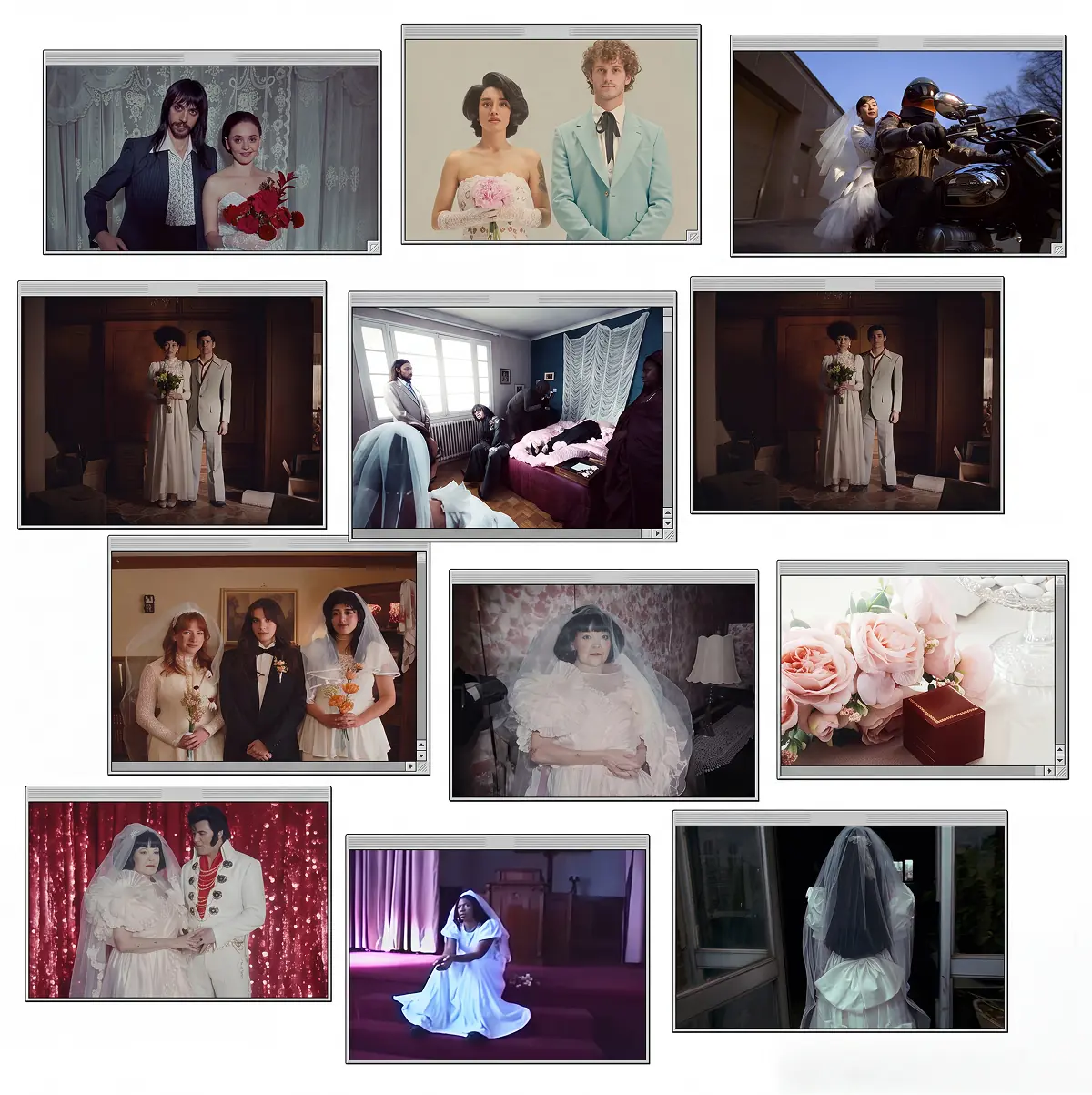
- Organising and presenting: a cinematic moodboard on Flim when the references come from there, Milanote or PureRef when they are your own files.
Pinterest can stay in the mix for personal inspiration. It just no longer has to carry the whole brief.

Got
Questions?

It depends on the job. For a precise reference in films, ads and music videos, Flim, which searches by mood, light and colour. For open discovery, Are.na, Cosmos and Savee are the strongest options. For organising your own images, Milanote and PureRef.
Yes. Are.na and Savee are both ad-free and do not rank content by trends. Flim has no ads either: it is a curated reference library, not a social feed.
Flim is built for that use. Its library holds over 2 million references from films, TV series, ads and music videos, with stills from more than 7,000 films. Of these, 575,000 are video cuts, which come from ads and music videos only. You search by describing a mood, a light or an era, and every frame carries its full credits.
Not safely. Pins are often reposted without a source, so rights are rarely clear. Treat any reference library, Flim included, as material for moodboards, internal decks and research, not as images for final client deliverables.
Flim has a free plan with unlimited search, advanced filters, Reverse Image Search, public boards and one download per day, from 1080p to 2K. Paid plans start at €14.90 per month.